Firecracker MicroVM Benchmarks: Real Performance 2026
Real firecracker microvm benchmarks: 125ms cold start, <5MB memory per instance, 4500+ concurrent VMs. Compare vs Docker, QEMU, and traditional VMs.
 DM
DM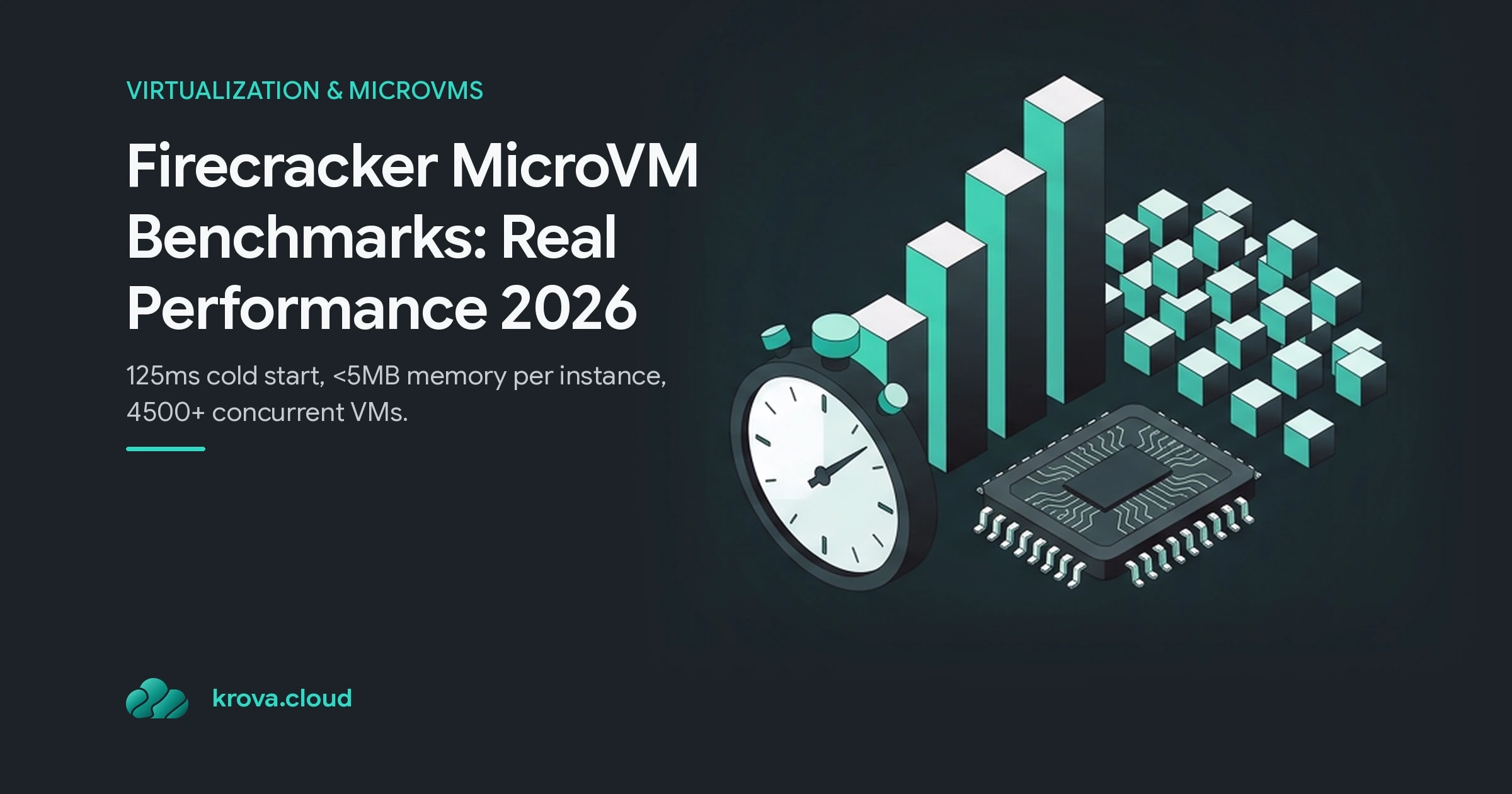
You're evaluating isolation tech for AI agent sandboxes, ephemeral CI environments, or untrusted code execution. Cold start time matters. Memory density matters. Whether your workload can actually coexist with thousands of others on the same host matters. Firecracker microvm benchmarks show why it's the default choice for teams that need hardware-enforced isolation at container speed.
TL;DR:
- Firecracker achieves <125ms cold start and <5MiB memory overhead per microVM
- Supports 4500+ concurrent microVMs on high-end hosts
- Outperforms Docker on isolation, QEMU on density and startup speed
- Trade-off: no GPU passthrough, requires KVM, needs your own orchestration
What Are Firecracker MicroVM Benchmarks?
Firecracker microvm benchmarks measure three things that determine whether a microVM is useful at scale: how fast it starts, how much memory each instance consumes, and how many you can pack onto a single host without contention.
A microVM is a lightweight virtual machine. Unlike traditional VMs which can take seconds to boot and consume gigabytes per instance, Firecracker strips away emulated BIOS, unnecessary hardware, and legacy baggage. What remains is a purpose-built hypervisor that boots a Linux kernel and nothing else.
Firecracker was built by Amazon for AWS Lambda and Fargate. The constraint was simple: run untrusted customer code securely, but scale to thousands of functions per second on shared hardware. That pressure shaped every optimization in the codebase.
Firecracker Boot Time and Startup Performance
Firecracker achieves cold start times under 125 milliseconds. When you configure a microVM via API, hand it a Linux kernel and rootfs, and call "start", the guest kernel loads in the time it takes a web request to round-trip.
For comparison: traditional QEMU VMs take 1-3 seconds. Docker containers can start in tens of milliseconds but share a kernel with every other container on the host. Firecracker gives you VM-grade isolation in container-grade time.
Why so fast? Because Firecracker's minimal device model keeps initialization work to almost nothing. The hypervisor doesn't discover emulated PCI devices, BIOS configuration, or legacy hardware. It loads a kernel, sets up a block device and network interface, and gets out of the way. The guest runs its own Linux kernel, fully isolated by KVM.
This matters most for workloads that live for milliseconds. If you're spinning up a sandbox per request, per test case, or per untrusted function, a 125ms startup tax dominates the total latency. Firecracker removes that wall.
Memory Footprint and Density: How Many MicroVMs Per Host?
Each Firecracker microVM consumes less than 5 MiB of overhead. That's the per-instance VMM memory, guest metadata, and KVM structures. The rest of the memory you allocate goes to the guest OS and application.
Put that in perspective: a traditional full VM with its own kernel and minimal userland still needs 256 MiB to 512 MiB per instance. A Firecracker microVM needs 5 MiB of hypervisor overhead plus whatever you assign to the guest. On a 64 GB host, you can fit thousands.
Real-world firecracker microvm benchmarks show Firecracker scaling to 4500 concurrent microVMs on large EC2 instances. You can launch up to 150 microVMs per second on a single host without saturation. For ephemeral workloads, CI jobs, sandboxes, one-off compute tasks, that density means you're not buying new hardware for peak load; you're spreading peak load across the hardware you have.
The density advantage grows when you compare to QEMU's microVM mode. When researchers launched 20 machines simultaneously, Firecracker completed the work in roughly half the time QEMU took. At lower concurrency QEMU holds its own, but past 10-15 parallel instances, the gap widens in Firecracker's favor.
Firecracker vs Docker: Performance Trade-Offs
Docker containers start in tens of milliseconds and use almost no memory overhead. For building Docker images, testing internal APIs, or running trusted code in a tight loop, they're faster and lighter.
But Docker shares the host kernel with every container. One kernel exploit, one misconfigured namespace, and an attacker breaks into the host. For code you don't trust, user-submitted code, LLM output, third-party plugins, a shared kernel is a shared fate.
Firecracker gives you the isolation of a real VM with startup and memory closer to containers. Firecracker microVM benchmarks put boot time slightly slower (125ms vs tens of milliseconds) and memory overhead at nonzero (5MiB plus your guest OS vs minimal container overhead), but the security model is hardware-enforced. Each microVM has its own kernel boundary. Compromise one, and you compromise only that one.
The real trade-off isn't speed; it's complexity. Docker is fully orchestrated and managed on platforms like Kubernetes. Firecracker is a single-instance microVM manager. You control lifecycle via a REST API, but you supply the scheduling, networking, secrets, and observability yourself. That's why, however good the firecracker microvm benchmarks look, most teams use Firecracker through a platform, AWS Lambda, Fargate, or a managed sandbox provider, rather than raw.
Firecracker vs QEMU: Where MicroVMs Scale
QEMU is a general-purpose emulator that can model any CPU, any device, any architecture. That flexibility is also its cost. QEMU's device model is sprawling. Initialization is slower. Per-instance overhead is higher.
Firecracker vs QEMU benchmarks show the gap most clearly under load. When you launch 20 microVMs in parallel:
- Firecracker completes all startup and ready-to-run in roughly half the wall-clock time.
- QEMU's overhead compounds with each additional instance.
- Memory footprint per instance runs significantly higher with QEMU.
At single or dual instances, QEMU can actually be faster; there's less code to execute. But the moment you need thousands of isolated environments on one host, Firecracker is the obvious choice.
The honest caveat: QEMU's flexibility matters for some workloads. If you need exotic hardware passthrough, cross-architecture emulation, or legacy hardware models, QEMU is the only answer. Firecracker is purpose-built for one specific shape: serverless functions, sandboxes, containers, and ephemeral compute.
Common Mistakes and Realistic Trade-Offs
Most teams overestimate Firecracker's device support. It has no GPU passthrough. No graphics. No support for weird PCI devices. If your workload needs specialized hardware, Firecracker stops there. Research your device requirements before committing.
Firecracker requires KVM. On bare metal that's available and straightforward. On cloud VMs, you need nested virtualization support, not every instance shape offers it. Check your host layer before you design your microVM topology.
The biggest mistake is treating Firecracker as a full orchestrator. It manages individual microVMs through its API. It does not schedule work, balance load, discover services, or handle multi-host orchestration. You either bring your own control plane, use a managed platform, or, if your scale is modest, script the orchestration yourself.
Also, Firecracker's snapshot and restore features are not baked into the core. If you need warm starts (restore from a snapshot rather than cold boot), you need to implement and maintain that yourself or use a platform that has done it for you.
For the right workload shape, untrusted code, sandboxes, serverless functions, ephemeral CI, these trade-offs are worth taking. A trusted internal app with no hostile input needs none of it, and a container will do the job with less machinery.
FAQ
How Does Firecracker's 125ms Boot Time Compare to AWS Lambda Cold Starts?
Firecracker itself boots in 125ms. Lambda's total cold-start latency includes Firecracker boot plus runtime initialization, code loading, and handler invocation. That total typically runs 200-500ms depending on runtime and code size.
Why Does Firecracker Use Less Memory Than QEMU microVMs?
Firecracker's minimal device model eliminates emulated BIOS, PCI bus emulation, and unnecessary devices. QEMU ships a full PC model for compatibility. That extra code in memory, plus larger per-instance metadata, pushes QEMU's overhead higher.
Can I Run GPU Workloads in Firecracker microVMs?
No. Firecracker has no GPU passthrough. If your workload requires CUDA, PyTorch on GPU, or graphics rendering, you'll need full VMs or bare-metal access. Some AI agent platforms work around this by running GPU code outside the sandbox or using CPU-only models.
What's the Difference Between Firecracker and a Container in Terms of Isolation?
Containers share the host kernel; one kernel vulnerability or misconfiguration can reach the host and other containers. Firecracker gives each microVM its own kernel, isolated by KVM hardware virtualization. That hardware boundary is why Firecracker is safe for untrusted code even when containers are not.
Benchmark Firecracker On Your Own Workload
Numbers on a page only go so far fffe14 spin up a Firecracker microVM on Krova and time the boot and throughput yourself.