Firecracker vs QEMU: Which MicroVM Tech Should You Use?
Firecracker vs QEMU compared for speed, security, and flexibility. See which lightweight VM tech fits serverless, AI sandboxes, and complex workloads in 2026.
 RB
RBLast updated
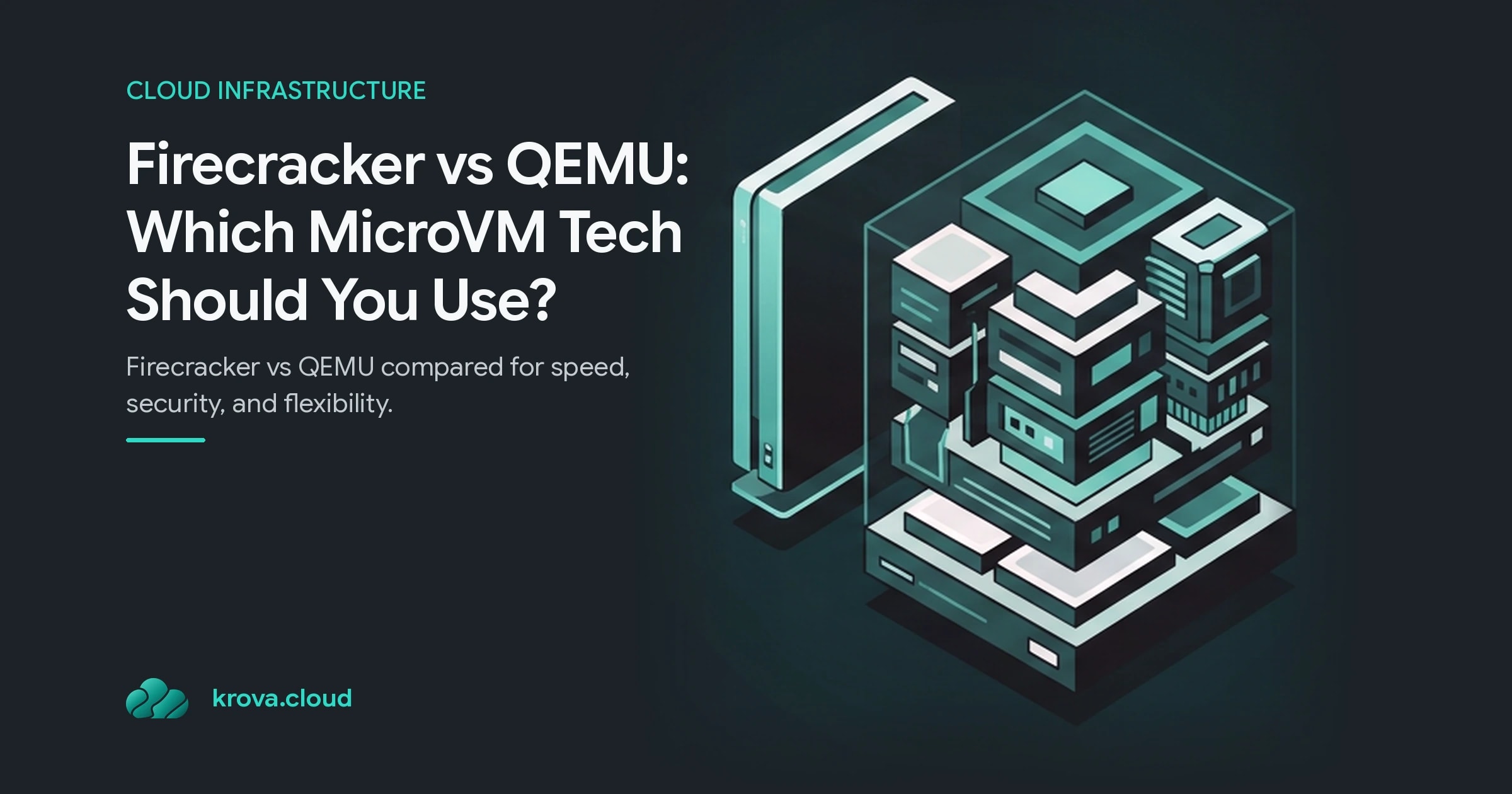
Firecracker vs QEMU: if you need to spin up thousands of isolated environments in under a second, Firecracker is almost certainly your answer. If you need GPU passthrough, legacy hardware, or a virtual machine that runs for weeks, QEMU is. Most of the debate comes down to that one fork in the road.
Both run on top of KVM virtualization, both give you real hardware-level isolation, and both are open source. But they were built for opposite goals. Firecracker strips virtualization down to the bone for speed and safety. QEMU keeps everything because someone, somewhere, still needs it.
Here is how to tell which one belongs in your stack.
What Is a MicroVM, and Where Do Firecracker and QEMU Fit?
A microVM is a stripped-down virtual machine that boots fast, uses very little memory, and exposes only the handful of virtual devices a modern workload actually needs. You get the security boundary of a full VM without most of the overhead.
The idea took off because containers alone were not enough for multi-tenant isolation. Containers share the host kernel, so a single kernel exploit can leak across tenants. In any Firecracker vs QEMU evaluation, both microVMs give each workload its own kernel and its own hardware boundary, which is why microVMs sit under serverless platforms and AI sandboxes.
Both tools rely on the Linux KVM (Kernel-based Virtual Machine) module to do the heavy lifting. KVM handles the CPU virtualization in hardware. In the Firecracker vs QEMU trade-off, both are the userspace layer that wraps around it, deciding what devices, features, and machine model the guest sees.
That wrapper is where they split.
Firecracker vs QEMU: The Core Architectural Difference
QEMU is a full machine emulator. It can present hundreds of virtual devices, emulate CPU architectures different from the host, boot legacy operating systems, and run desktop-grade graphics. Think of it as the Swiss Army knife of virtualization: rich, mature, and complicated.
Firecracker throws almost all of that away on purpose. Written in Rust, it exposes just 5 emulated devices to the guest:
- virtio-net (networking)
- virtio-block (storage)
- virtio-vsock (host/guest communication)
- a serial console
- a minimal keyboard controller (used only to stop the microVM)
That is the whole device model. No BIOS emulation, no PCI, no USB, no graphics.
Fewer moving parts means a smaller attack surface in any Firecracker vs QEMU evaluation. Every device you emulate is code that a malicious guest could try to break out through, so trimming the model down to five items measurably shrinks the risk. This is the main reason Firecracker wins on security in nearly every head-to-head writeup, and why AWS Lambda runs on it under the hood.
QEMU's flexibility is the mirror image of that trade. Its comprehensive feature set comes with more code, more configuration, and a larger surface to defend.
Firecracker Performance: Boot Time, Density, and Security
This is where Firecracker's numbers speak for themselves. A Firecracker microVM boots in under 125 milliseconds and adds less than 5 MiB of memory overhead per instance. That tiny footprint is the whole point: it lets you pack thousands of microVMs onto a single host.
Density is where the gap really opens in the Firecracker vs QEMU comparison. In parallel benchmarks, Firecracker scales cleanly while QEMU struggles under load. When researchers ran 20 machines in parallel, QEMU took more than twice as long as Firecracker to complete the same work. At lower concurrency the picture flips slightly, and QEMU was actually a touch faster at 10 parallel machines, but the trend past that point favors Firecracker hard.
Shutdown is another quiet win. QEMU carries significant overhead when stopping VMs in sequence, while Firecracker tears microVMs down quickly and predictably. For ephemeral workloads that constantly start and stop, fast shutdown matters as much as fast boot.
Add it up and Firecracker performance shines for one specific shape of problem:
- Serverless functions that live for milliseconds
- AI and code-execution sandboxes that spin up per request
- Multi-tenant platforms that need strict isolation at scale
- Any workload where you launch and kill thousands of environments an hour
For that shape, nothing lightweight beats it.
Where QEMU Wins: Flexibility, Hardware, and Long-Running Work
Firecracker's minimalism is also its ceiling. The moment you need something outside those five devices, you hit a wall, and that wall is real.
One self-hosted dev-environment platform, Hocus, prototyped on Firecracker and then replaced it entirely with QEMU, illustrating real-world Firecracker vs QEMU trade-offs. The reason was blunt: Firecracker lacks support for many modern hypervisor features their long-running developer workspaces depended on. When your workload looks less like a Lambda function and more like a full desktop, the trade stops making sense.
QEMU wins when you need:
- GPU workloads, where passthrough and device support matter for ML training or rendering
- Cross-architecture emulation, like running ARM guests on x86 hosts
- Legacy systems that expect a full BIOS, PCI bus, or unusual hardware
- Desktop virtualization and graphics-heavy environments
- Long-running VMs where boot time is a rounding error and features win
So the honest read on this Firecracker vs QEMU comparison is not that one tool is better. Firecracker is inflexible by design and fast because of it. QEMU is flexible by design and heavier because of it. Picking the "lighter VM" only helps if your workload actually fits inside its limits.
How to Choose Between Firecracker and QEMU for Your Stack
Run your workload through three quick questions.
How long do your VMs live? If they exist for seconds and you launch a flood of them, choose Firecracker. If they run for hours or days, boot time stops mattering and QEMU's features win.
Do you need special hardware? GPUs, legacy devices, non-native CPU architectures, or graphics push you straight to QEMU. Plain compute with network and disk fits Firecracker's five devices comfortably.
How much does isolation matter? For untrusted, multi-tenant code (AI agents running user-submitted scripts, for example), Firecracker's tiny attack surface is a genuine advantage.
A common mistake is picking Firecracker for its speed and then fighting its limits for months. Another is defaulting to QEMU out of habit and eating unnecessary overhead on a serverless workload that never needed it. Match the tool to the workload shape first, then optimize.
If you are still unsure, prototype the smallest version of your real workload on both. The trade-offs show up fast once actual code is running.
FAQ
Is Firecracker faster than QEMU? For short-lived, parallel workloads, yes. Firecracker boots in under 125 ms and scales better under high concurrency, beating QEMU by more than 2x at 20 parallel machines. QEMU can edge ahead at lower concurrency, but Firecracker leads at scale.
Do Firecracker and QEMU both use KVM? Yes. Both run on top of Linux KVM virtualization for hardware-level CPU isolation. The difference is the userspace layer: Firecracker exposes a minimal 5-device model, while QEMU offers full machine emulation.
Can Firecracker run GPU or graphics workloads? Not well. Firecracker's minimal device model has no GPU passthrough or graphics support. For GPU-heavy ML training, rendering, or desktop virtualization, QEMU is the practical choice.
Which is more secure, Firecracker or QEMU? Firecracker, in most cases. Its Rust codebase and 5-device model create a much smaller attack surface than QEMU's feature-rich design, which is why it powers multi-tenant platforms like AWS Lambda.
Skip the comparison, spin Firecracker
Run lightweight VMs instantly on Krova: no setup, no overhead. Deploy Firecracker microVMs in seconds.