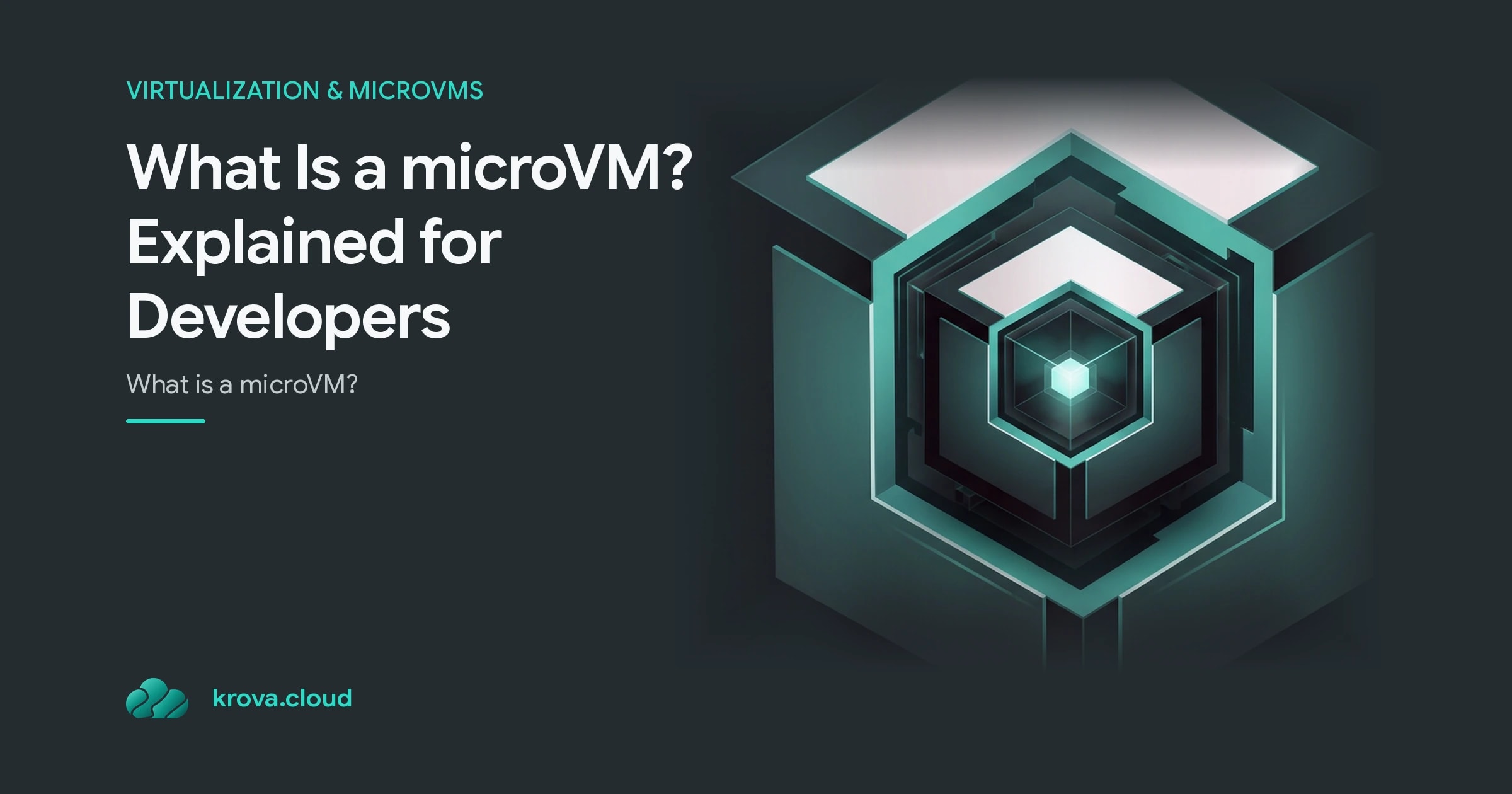
What Is a microVM? Explained for Developers
What is a microVM? A developer-friendly guide to microVMs, Firecracker, boot times, isolation, and how they compare to VMs and containers.
 RB
RBLast updated
You want container-level speed and density, but you're running someone else's code, an AI agent, or a multi-tenant workload, and a shared kernel makes you nervous. That's the exact gap a microVM fills.
So what is a microVM? It's a stripped-down virtual machine that boots in milliseconds, uses single-digit megabytes of memory overhead, and runs its own kernel behind a hardware-enforced boundary. You get the isolation of a full VM with something close to the startup speed of a container. For developers, DevOps engineers, and anyone shipping untrusted or multi-tenant code, that combination is the whole point.
Let's break down how it works and where it fits.
What is a microVM, and why should you care?
A microVM is a lightweight virtual machine that provides hardware-enforced isolation per workload. Each one runs its own Linux kernel inside a boundary enforced by KVM, completely separate from the host and from every other microVM on the same machine.
The "micro" part is about what it leaves out. A traditional VM carries BIOS emulation, virtual GPUs, expansive hardware support, and legacy device models it will probably never use. A microVM strips all of that down to just enough to boot a kernel and run your workload.
That minimalism pays off in two numbers that matter:
- Boot time in the low hundreds of milliseconds, not the seconds or minutes a full VM needs.
- Memory overhead in single-digit MiB per instance, which is why you can pack thousands of them onto one host.
The original problem microVMs solved was security. As TechTarget describes it, the goal is to isolate an untrusted operation from the host operating system using hardware isolation rather than software sandboxing. Today that same property makes microVMs the natural home for AI agents, serverless functions, CI jobs, and any code you didn't write and can't fully trust.
How a microVM actually works under the hood
At the core is a Virtual Machine Monitor (VMM) sitting on top of the Linux KVM hypervisor. The most well-known example is the Firecracker microVM, the open-source VMM Amazon built to power AWS Lambda and Fargate. Cloud Hypervisor is another popular open-source option that works similarly.
Here's what makes a Firecracker microVM different from a heavyweight hypervisor:
- Its own kernel. Every microVM boots a real Linux kernel, so a kernel-level bug in one tenant's workload doesn't reach the host or its neighbors.
- Its own memory space. No shared address space between instances.
- A minimal device model. Instead of emulating a whole PC, it exposes only the handful of virtualized devices the workload needs, which is what keeps both boot time and RAM footprint tiny.
Because each instance is so cheap to start and stop, microVMs favor horizontal scaling over vertical scaling. You don't grow one giant VM. You spin up many small, disposable ones, run the work, and tear them down. That model maps cleanly onto serverless, batch jobs, and per-request sandboxing where isolation per unit of work is the whole design.
microVM vs VM: what you gain and what you give up
In the microVM vs VM comparison, both give you hardware-enforced isolation and a separate kernel. The difference is weight.
A traditional VM emulates a full machine, which is great when you need to run an unusual operating system, attach exotic hardware, or replicate a legacy environment exactly. That flexibility costs you seconds-to-minutes boot times and hundreds of megabytes of overhead per instance.
A microVM trades that flexibility for speed and density. You get:
- Much faster startup, so scaling to zero and back is actually practical.
- Far higher density, meaning more isolated workloads per host and lower cost.
- A smaller attack surface, because there's less emulated hardware to exploit.
What you give up is generality. If your workload needs full device emulation, a specific non-Linux guest, or deep hardware passthrough, a conventional VM is still the right tool. For the common case of running Linux workloads at scale, the microVM wins on almost every axis that affects your bill.
microVM vs container: the kernel boundary that changes everything
This is the comparison most people actually care about, because containers are the default today.
A container isolates a process using Linux namespaces and cgroups, but it shares the host kernel. Every container on a host runs on that same kernel. That's efficient, but it means a single kernel-level vulnerability can affect every container sharing it. For your own trusted services, that's usually a fine trade. For untrusted or multi-tenant code, it's a real risk.
A microVM does not share the host kernel. In the microVM vs container matchup, that single fact changes the security model entirely:
- Containers: lightest weight, fastest, shared kernel, weaker isolation boundary.
- MicroVMs: slightly heavier, own kernel per instance, hardware-enforced boundary, safe for untrusted tenants.
The practical takeaway: microVMs give you a security boundary that containers alone cannot provide, while staying close enough to container speed and density that you don't have to choose between safety and cost. That's why platforms running AI agents and multi-tenant code increasingly reach for them.
When to reach for a microVM (and when not to)
MicroVMs are not a universal replacement for containers. Reach for one when isolation per workload is a hard requirement.
Strong fits:
- Running untrusted or user-submitted code, like code sandboxes and AI agent execution.
- Multi-tenant SaaS where one customer's workload must never touch another's.
- Serverless and per-request functions that benefit from millisecond cold starts.
- Ephemeral CI/CD jobs you want fully isolated and disposable.
Probably overkill:
- Your own trusted internal services that already run happily in containers.
- Workloads that need exotic hardware or a non-Linux guest, where a full VM fits better.
- Long-lived, stateful monoliths where fast boot and high density don't buy you much.
A good rule of thumb: if you're asking whether a shared kernel is safe enough, that question alone is your answer to use a microVM.
Ready to try it? Spin up a Firecracker microVM locally to feel the boot speed yourself, or pick a managed microVM hosting platform and deploy a single untrusted workload behind a proper hardware boundary. Start small, measure the cold start and memory footprint, and scale out from there.
FAQ
Is a microVM the same as Firecracker? No. Firecracker is a specific open-source VMM (built by AWS to power Lambda and Fargate) that creates microVMs. A microVM is the general concept, and Cloud Hypervisor is another VMM that produces them.
How fast does a microVM boot? Typically in the low hundreds of milliseconds, versus the seconds or minutes a traditional VM needs. That speed is what makes scaling to zero and per-request sandboxing practical.
Are microVMs more secure than containers? For untrusted or multi-tenant workloads, yes. Containers share the host kernel, so a kernel-level bug can affect every container. Each microVM runs its own kernel behind a hardware-enforced KVM boundary.
Can microVMs replace containers entirely? Not always. Containers are still lighter and simpler for trusted internal services. MicroVMs shine when you need strong per-workload isolation without giving up most of container speed and density.
Ready to run your first microVM?
Stop reading and spin up a microVM on Krova in seconds, no cluster setup required.