Firecracker Run Docker Image: Deploy Containers
Learn how to firecracker run docker image for untrusted code, AI agents, and ephemeral CI. Millisecond boot times with hardware isolation.
 RB
RB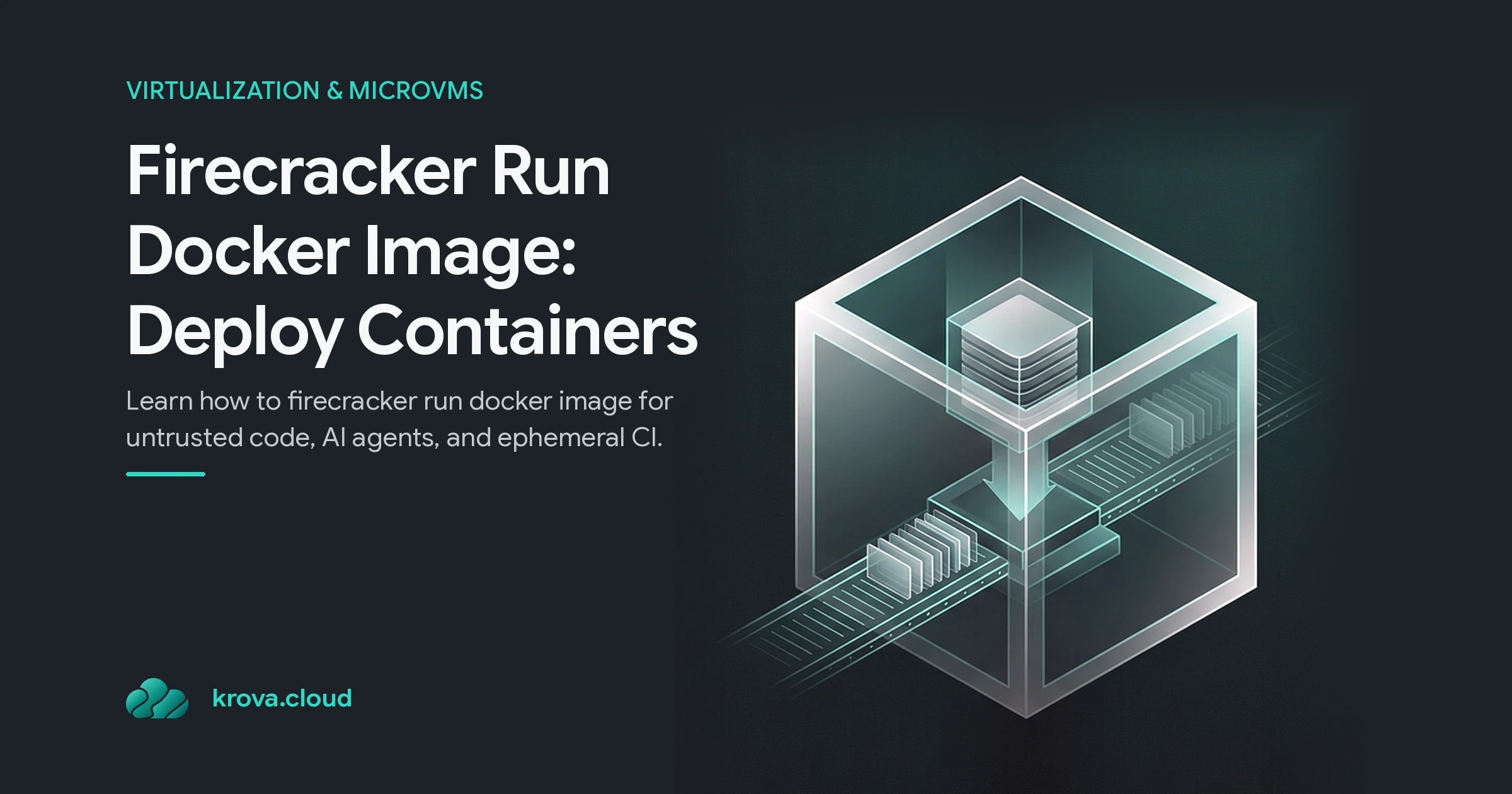
Standard containers share the host kernel, which means a compromised app can reach every other container on the same machine. For AI agents, CI runners, and untrusted user code, that's a serious problem. Firecracker run docker image solves this by wrapping Docker's packaging inside a lightweight virtual machine, giving you hardware isolation with millisecond boot times instead of the seconds-long overhead of traditional VMs.
TL;DR:
- Firecracker run docker image puts a Docker container inside a microVM with its own kernel, eliminating shared-kernel attack surface.
- Boot times stay under 125 milliseconds thanks to Firecracker's minimal device model; you can launch around 150 microVMs per second on a single host.
- Use this pattern for AI-agent sandboxes, ephemeral CI/CD, serverless functions, and multi-tenant workloads where isolation matters more than simplicity.
- Docker alone is fine for trusted internal code; Firecracker adds cost and operational overhead that only pays off when you need the security boundary.
What Is Firecracker Run Docker Image
Firecracker is a lightweight hypervisor created by AWS to power Lambda and Fargate. When you firecracker run docker image, you're combining two technologies: Docker handles the application packaging (filesystem, dependencies, entrypoint), and Firecracker handles the isolation boundary (separate kernel, KVM-backed virtualization, namespaces, and cgroups).
The resulting architecture looks like this: your host machine runs a Firecracker process (the VMM). That process manages one microVM, which boots a Linux kernel and root filesystem. Inside that microVM, you can run Docker containers using the container runtime — this is what it means in practice to have Firecracker run Docker image workloads. From the application's perspective, it runs inside a normal container, but the container sits inside a dedicated VM that can't reach the host or sibling VMs.
The key distinction: a Docker container isolates at the OS level (same kernel, different namespaces). A Firecracker microVM isolates at the hardware level (separate kernel, KVM virtualization). Running Docker inside Firecracker gives you both.
How Firecracker Container Deployment Works
Firecracker manages microVMs through a simple REST API. The typical workflow is:
- Build your application as a Docker image (just like normal).
- Spin up a Firecracker microVM by calling the API, specifying vCPUs, memory, and a Linux kernel image.
- Pass a root filesystem (squashfs or ext4) to the microVM.
- Inside the running microVM, start the Docker daemon and pull or load your container image.
- Run your application inside that container.
- Destroy the microVM when done.
The speed comes from Firecracker's minimal device model. Unlike traditional hypervisors that emulate SATA controllers, sound cards, USB hubs, and other legacy hardware, Firecracker exposes only what it needs: a network interface, block devices, serial console, and a timer. Fewer components means faster initialization, so the time to firecracker run docker image workloads stays low. Firecracker microVMs boot in approximately 125 milliseconds, and a single host can launch around 150 microVMs per second.
At the kernel level, Firecracker uses Linux KVM (Kernel-based Virtual Machine) to handle hardware virtualization. The Firecracker process runs in user space and wraps each microVM in its own namespaces, cgroups, and seccomp filters through the Jailer. If a guest is compromised, these constraints prevent it from reaching the host or other microVMs.
When to Choose Firecracker Over Docker
Not every workload needs this level of isolation. The honest question is: who wrote the code running on your infrastructure?
Stick with Docker if you own all the code. Internal APIs, background workers, trusted databases, containers are simpler, faster to iterate on, and have a massive ecosystem. Kubernetes orchestration is standard. Developer experience is frictionless. Docker is the right default.
Switch to Firecracker when you're running code you didn't write or can't fully trust. This includes:
- AI agents executing LLM-generated code
- CI/CD pipelines running customer submissions or open-source builds
- Serverless functions where each tenant expects isolation
- Online coding platforms where users submit arbitrary code
- Multi-tenant SaaS environments
For these use cases, the combination of containers inside Firecracker microVMs means you get Docker's familiar packaging model plus the security boundary of a real VM.
Common Mistakes and Trade-Offs
Three mistakes developers make when adopting Firecracker:
Mistake one: assuming Firecracker requires bare metal. You don't need bare metal, but you do need KVM support. Bare-metal servers have it by default. Many cloud providers offer nested virtualization on certain instance shapes, but not all. Check your provider's documentation before committing.
Mistake two: treating Firecracker as a drop-in replacement for Docker. It's not. Firecracker manages individual microVMs through its REST API. It doesn't orchestrate, load-balance, or handle service discovery. You either build a control plane around it or use a hosting platform that has already built one. This is the real cost: plumbing.
Mistake three: ignoring the resource trade-off. Every time you firecracker run docker image workloads, each microVM runs its own guest kernel, which consumes memory even when idle. A typical microVM footprint is 5-15 MB of base memory overhead. For 1,000 concurrent microVMs, that's 5-15 GB just for kernels. With containers, you'd pay almost nothing. The isolation is real, but so is the cost.
The honest trade-off: you take on orchestration work in exchange for hardware isolation and millisecond boots. For high-frequency serverless or multi-tenant platforms, that trade is worth it. For a small internal app with trusted code, containers probably are simpler.
Getting Started
If you're serious about this, start concrete:
- Confirm your host supports KVM. On cloud VMs, enable nested virtualization if available.
- Download Firecracker from the official GitHub repository and review the documentation.
- Boot a microVM by hand. Grab a Linux kernel image and minimal root filesystem, then drive the API to set vCPUs, memory, and a network interface. One exercise teaches you more than any diagram.
- Measure real boot time and memory on your workload, not assumptions.
- Decide on orchestration. For production, either build tooling around the API or use a hosting platform.
FAQ
Can I Run Docker Inside a Firecracker microVM?
Yes. Many teams build a Firecracker microVM as the security boundary, then run Docker containers inside it for application packaging. This pattern works well for AI-agent sandboxes and ephemeral development environments, combining Docker's familiar developer experience with VM-level isolation.
Does Firecracker Require Bare Metal?
No, but it requires KVM support. Bare-metal servers have it natively. Cloud VMs often support nested virtualization, but not all instance types do. Check your provider's documentation first.
How Fast Do Firecracker microVMs Actually Boot?
Firecracker microVMs boot in approximately 125 milliseconds, and a single host can launch around 150 microVMs per second. This speed is why AWS built Firecracker for Lambda and why it's the default for serverless platforms running untrusted code.
Is Firecracker Free?
Yes. Firecracker is open-source, developed and maintained by AWS on GitHub. You can use it freely in production; the licensing cost is zero.
Run your Docker image in a Firecracker microVM
Krova boots your container image inside a Firecracker microVM in seconds inside no Kubernetes cluster to configure or maintain.