Full Root SSH Access in Krova: Security and Control
Learn what full root SSH access means, when you need it, and how to secure it. A practical guide for developers running AI agents and untrusted code.
 DM
DM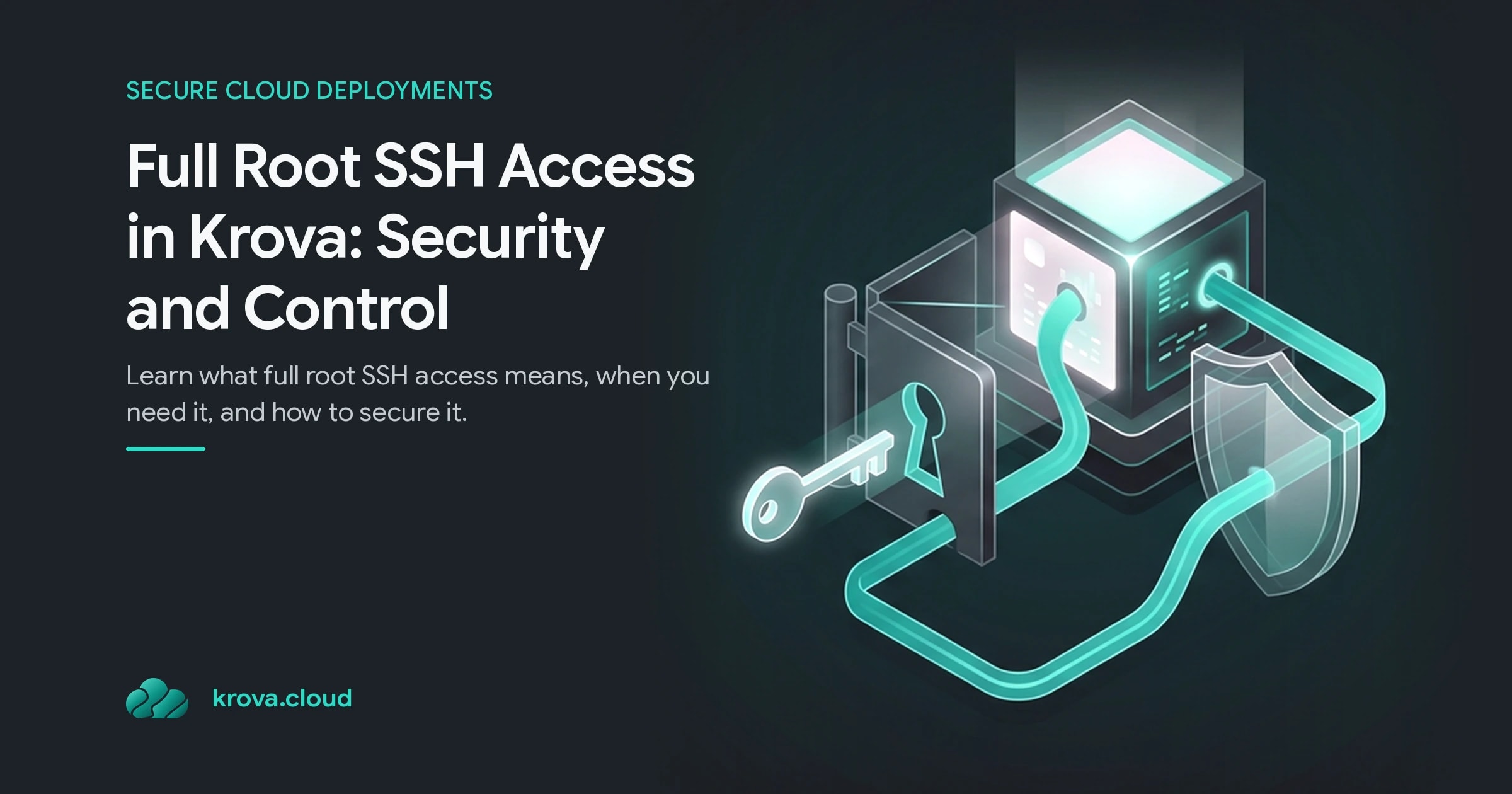
When you run an AI coding agent, spin up a development database, or deploy untrusted user code, having full root SSH access becomes both your most powerful tool and your biggest security liability. The moment you have unrestricted access to a server, you inherit every mistake that access can make: a prompt injection to a model, a misconfigured firewall rule, a stolen credential, or a single bad deploy that wipes your entire system.
TL;DR:
- Full root SSH access gives you complete control over your server: install anything, modify configs, run any command, but also full responsibility for security.
- For untrusted workloads (AI agents, user code, ephemeral CI), isolation is non-negotiable: run them in a sandbox with its own kernel, not on a server you share.
- SSH key management is your first line of defense: use strong keys, rotate them regularly, never commit them to git, and verify host fingerprints on first connection.
- Microvm sandboxes offer the best of both worlds for testing: isolated kernel per workload, fast startup (100–125ms), and resource limits that prevent runaway processes.
- Krova Cloud Cubes give you full root via SSH on an isolated microVM with per-minute billing and no shared kernel, making it safe to test risky workloads without the hyperscaler markup.
What Is Full Root SSH Access?
Full root SSH access means you can connect to a cloud server via SSH as the root user, the account with unrestricted permissions to read, write, and execute anything on that machine. No restrictions, no containers, no managed platform. You get a Linux terminal and the box is yours.
This is the standard model for VPS hosting: you get an IP address, you SSH in with your private key, and you configure everything yourself. It's how developers have run web apps, databases, and build systems for decades. On a VPS, root access is the entire point; you pay for a blank server and fill it with your own stack.
The catch: that same power makes root access a liability in untrusted environments. If an AI agent can run arbitrary code as root, or a test user can execute commands in your container, they can delete files, steal secrets from environment variables, exfiltrate data, or pivot to other systems. A security researcher demonstrated this risk when Claude Computer Use, given unrestricted browser access on a local machine, executed a malicious binary after a prompt injection attack and connected to a command-and-control server on the first attempt.
The difference is context. Root access on a production server you control, with strict network egress rules and read-only mounts for sensitive data, is appropriate. Root access given to untrusted code running live on that same machine is how you get compromised.
Why Full Root SSH Access Matters for AI Agents and Untrusted Code
Developers reach for full root SSH access for practical reasons that managed platforms make difficult or impossible.
Need to run a Node.js API next to your React build? On a managed static host, that's either impossible or locked behind an upgrade tier. SSH into your server as root, and it's done. Need a cron job to sync data every hour? Install it. Need to tweak your Nginx config to fix a redirect or add a reverse proxy? Edit the file directly.
For AI coding agents, the issue is sharper. When AI agents move from answering questions to taking actions, running code, calling tools, and touching databases, they need execution environments that prevent prompt injection from becoming remote code execution (RCE). The NVIDIA AI red team reports that executing LLM-generated code without proper isolation can lead to RCE, and traditional code sanitization doesn't work because malicious and legitimate code often look identical.
A sandbox with its own kernel, a microVM, is your defense. Firecracker microVMs achieve 100–125ms cold starts, making them fast enough for real-time workloads like voice agents that need responses under 300ms to feel natural. Unlike traditional containers that share the host kernel, each microVM runs in a jailer sandbox with its own isolated kernel. If one Cube is compromised, the attacker is inside their own kernel, not the hypervisor or other customers' machines.
The real payoff: you get full root via SSH inside that isolated microVM, so you can configure it like any server, but the isolation itself is enforced by hardware boundaries, not trust in your code.
SSH Key Management and Security Best Practices
Full root SSH access lives or dies by your SSH keys. A leaked private key is an open door to everything.
Start with key generation. Use Ed25519 keys (stronger than RSA, shorter, faster) or RSA 4096 minimum. Generate them locally:
ssh-keygen -t ed25519 -C "[email protected]"Never commit your private key to git, environment files, or anywhere version-controlled. If you do, rotate it immediately, delete the old public key from the server's authorized_keys and add a new one.
When you create a Cube on Krova Cloud or any VPS, you upload your public key at boot, and it's written to authorized_keys. That's the only key that can SSH in. The server never sees your private key; the CLI hands off directly to your system ssh, which handles authentication. Keep your private key only on machines you trust.
Key rotation is a habit, not a once-a-year task. Every team member who has SSH access should have their own key, and keys should rotate every 90 days. If a developer leaves or a machine is compromised, revoke that key immediately.
Host key verification matters too. On first SSH connection to a new server, your client displays the host's fingerprint and asks if you trust it. Many developers skip this and just hit enter, but that's how you train yourself to accept anything. Verify the fingerprint against the dashboard or API response. On subsequent connections, your client pins the key and verifies it's still the same host. That catches an attacker sitting in the middle.
Full Root Access vs. Restricted Sandboxes: When Each Works
You don't need full root for everything, and sometimes you shouldn't have it.
Use full root SSH access when:
- You're configuring a production server you own: web apps, databases, custom stacks.
- You're testing a configuration locally in a disposable sandbox.
- You're self-hosting something complex (Postgres, Docker Compose, a custom CI runner) that needs full OS control.
- You trust everyone with access to that machine.
Use a restricted sandbox when:
- Running untrusted code (AI agents, user submissions, third-party scripts).
- Testing code that's not yours in a shared CI pipeline.
- Prototyping a feature without risking your local environment.
- You need isolation between workloads on the same hardware.
Sandbox providers like E2B, Docker, Modal, and Northflank compete on startup speed, isolation quality, and developer experience. Coding agents like Claude Code are explicitly designed to run inside sandboxes, not alongside your real, unprotected environment.
The trade-off is convenience: a sandbox restricts what code can do (no write to host disk, limited network access, no root), but that restriction is exactly the security boundary you need.
Most people get this wrong. They assume "more managed" always means "less work." It usually means less control, and the day you need control, you're stuck migrating.
Getting Started With Full Root SSH Access on Krova Cloud
If you're building a test environment, CI pipeline, or ephemeral workload that needs full root SSH but also needs isolation from other tenants, Krova Cloud Cubes offer a specific model: full root access inside an isolated microVM with its own kernel and no shared resources.
Here's the workflow:
- Create a Cube from the dashboard or CLI, specifying your public SSH key. The Cube boots in seconds.
- SSH into it with
krova ssh <cube>or direct ssh using the host and port shown on the Cube's page. You land as root. - Install what you need: Docker, Node, Postgres, whatever. It's your box.
- Use
krova ssh -L 5432:localhost:5432 <cube>to forward ports (e.g., a database) securely back to your local machine without exposing them publicly. - Power off the Cube when you're done. Billing stops immediately; you're only charged per minute while it runs.
The isolation is real: each Cube runs in its own Firecracker microVM with its own Linux kernel, reserved 1:1 RAM and disk (no overselling), and its own network namespace. No shared page deduplication, no noisy neighbors, no hyperscaler margins. If a Cube is compromised, the attacker is isolated inside that kernel by the KVM boundary and the jailer sandbox, not on the host or in other Cubes. A cold restart boots the Cube on a refreshed host kernel while keeping your disk and data exactly as you left them.
Cubes start from $2.92 per month (billed by the minute), which is up to 69% less than AWS Lightsail at equivalent specs.
FAQ
What Happens If My SSH Private Key Is Stolen?
Immediately revoke it: log into your hosting provider's dashboard, delete the stolen public key from authorized_keys, and add a new one. SSH access ends for the stolen key within seconds. If the attacker already had time to create backdoors (new users, new SSH keys, cron jobs), you'll need to reboot your Cube or spin up a fresh one and restore from a snapshot taken before the compromise.
Can I Use Password Authentication Instead of SSH Keys?
Not on Krova Cloud; SSH keys only. This is by design: password authentication is vulnerable to brute force and phishing. Keys are stronger. If you have multiple team members, each gets their own key pair and their own authorized_keys entry, so you can audit who connected and revoke individuals without disrupting the team.
Do I Need Full Root Access for Every Workload?
No. Reserve full root for servers you own and control. For testing, CI, or running untrusted code (AI agents, user submissions), use a sandbox with its own isolated kernel. You'll have fewer permissions, but that's the point; it prevents mistakes from becoming breaches.
How Do I Know My SSH Connection Is Secure?
Verify the host fingerprint on first connection. Use strict host key checking (enabled by default in most SSH clients). If the fingerprint changes on a later connection, SSH will warn you; don't ignore it. Use SSH keys only, never passwords. Keep your private key on trusted machines only.
Get full root SSH on a Krova microVM
Start a Firecracker microVM on Krova in seconds and SSH in as root — full control of the box, no Kubernetes cluster to babysit.