How to Run AI Coding Agents Safely in Isolated Cloud Environments
Learn how to run AI coding agents isolated environment setups that block host access, contain blast radius, and cut costs. A practical 2026 guide for builders.
 RB
RBLast updated
About 45% of AI-generated code fails security tests, according to the 2025 Veracode report. Now picture that code running with full access to your host filesystem, your network, and your production secrets. That is the gamble you take every time you let Claude Code, Codex, or any AI coding agent execute directly on your machine instead of in an isolated environment.
Here is the fix: you run AI coding agents isolated environment first, always, so a bad line of generated code can wreck a throwaway sandbox instead of your infrastructure. When you run AI coding agents isolated environment setups from the start, the blast radius shrinks to a disposable box. This guide walks you through why that matters, how it actually works, and where teams trip up.
Why Letting AI Agents Touch Your Host Is a Bad Idea
Review-before-merge assumes a pace you do not have. An agent installs packages, edits files and executes commands continuously, faster than anyone reads a diff, so the review has to move from the action to the arena where it happens.
That changes the whole threat model. The code executing was not written by a human, cannot be fully reviewed ahead of time, and may try things that are destructive, resource-hungry, or plain insecure. The safest response is to run AI coding agents isolated environment first, before any of that code touches your real systems.
The demand for this is exploding. E2B, one sandbox provider, went from 40,000 sandbox sessions a month in March 2024 to roughly 15 million a month by March 2025. That is not a niche concern anymore.
Give an agent your host and you are trusting unreviewed code with your entire blast radius. Isolation shrinks that radius down to a disposable box.
What Is an Isolated Environment for AI Coding Agents?
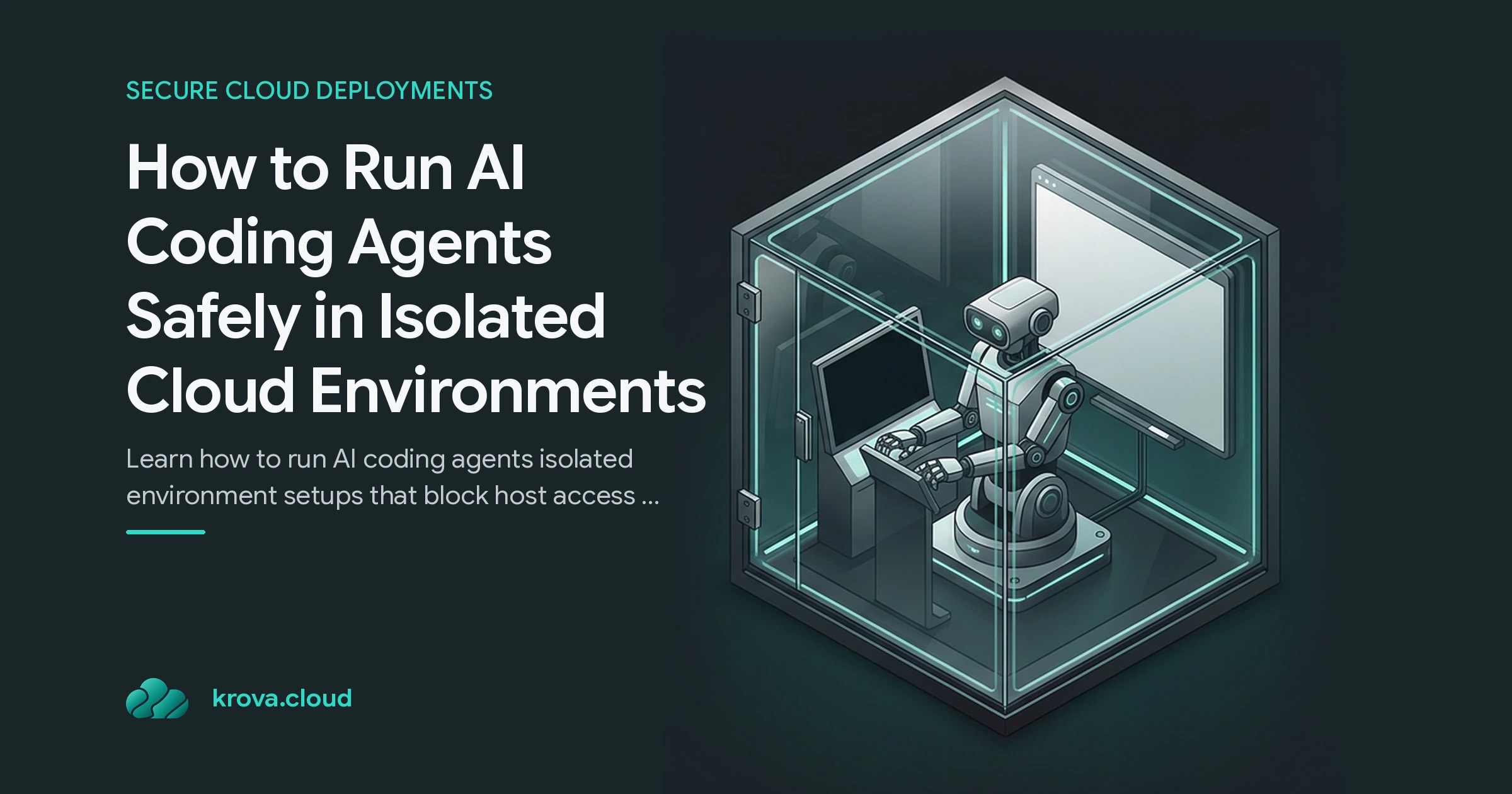
An isolated environment for AI coding agents is a purpose-built, ephemeral compute space designed to run AI-generated code without any path back to your host or production systems.
Each one gives the agent its own filesystem, its own network namespace, and its own resource limits. The agent can write files, install dependencies, run tests, and execute arbitrary code inside that box, and none of it can reach the host, your other sandboxes, or your live infrastructure. This is exactly what it means to run AI coding agents isolated environment style rather than on bare metal.
This is where AI agent sandboxing differs from a plain container. A general container is built for convenience. A coding agent sandbox is built around a specific assumption: the code is untrusted by default.
Good isolation covers three things at once:
- Isolation: no access to the host filesystem or network.
- Persistence: the agent can remember state across runs, keep artifacts, and pick up where it left off.
- Resource limits: CPU, memory, and time are capped so a runaway loop cannot drain your bill.
Windmill's approach to AI sandboxes highlights the hard part here. Isolation and persistence usually fight each other, and a real cloud sandbox for AI agents has to deliver both without leaking into the host.
How to Run AI Coding Agents in an Isolated Environment
When you run AI coding agents isolated environment setups in the cloud, the pattern comes down to a few concrete decisions.
Start with the isolation boundary. MicroVMs give you hardware-level separation with startup times close to containers, which is why they are a strong fit for spinning up fresh, disposable sandboxes per task. Lightweight options like devcontainers or bubblewrap-based tooling work for local isolation, but for multi-tenant or production-facing work you want a stronger wall.
Mount only what the task needs. Do not hand the sandbox your whole repo and every secret. Mount the specific project directory, and keep provider API keys in a control plane so they never leave it. Coder's model does exactly this: keys stay in the control plane and never travel to the agent.
Log every action. Secure LLM code execution is not just about walls, it is about visibility. Tie every request to a named user, and record prompts, token usage, models, and tool calls centrally. When you run AI coding agents isolated environment workflows this way, the audit trail is there when something goes wrong.
Add network controls. Start from zero outbound access and open only the endpoints the job names in advance. Most exfiltration attempts and poisoned-package installs die right there, because the route out never existed.
Use code execution as a tool layer. Anthropic's Sandboxed Code Execution tool runs Python inside isolated environments through the Model Context Protocol, and their documented tests show it can cut token usage meaningfully. Prompt caching can reduce input costs by up to 90% on cache hits, so isolation and cost savings are not at odds.
Where teams lose control of an agent, in order of frequency
Sandboxing is not free, and pretending otherwise leads to broken workflows.
The most common mistake is treating a Docker container as a security boundary. Containers share the host kernel, so a container escape puts the agent right back on your host. If your threat model assumes untrusted code, you want microVM-level isolation, not just a namespace.
The opposite mistake is refusing the agent any memory at all. Wipe everything between runs and it re-clones, re-installs and re-learns on every start, so the isolation bill arrives as wasted minutes. The workable middle: one scoped volume attached to an otherwise disposable sandbox, which is how you run AI coding agents in isolated environments that still remember their own work.
Resource caps are the other omission. A retry loop with no ceiling keeps buying compute until somebody notices, and the invoice lands the next morning. Decide CPU, memory and timeout limits before the first run, not after.
The goal is not the strongest possible cage, it is the right cage for the risk, with enough persistence to stay useful. Over-lock it and developers route around it. Under-lock it and you are back to trusting unreviewed code on your host.
Your Next Steps to Secure LLM Code Execution
You do not need to build a sandbox platform from scratch to get most of the benefit.
Start small this week:
- Choose the one agent workflow that currently runs on a laptop or a shared runner.
- Move it into a microVM or managed sandbox that boots per job, outbound traffic blocked until allowlisted.
- Give the sandbox the project directory and nothing else, and let it fetch secrets from a control plane at call time.
- Cap CPU, memory and wall-clock per run, and ship every agent action to a log the agent cannot edit.
Run that one workflow isolated for a week, watch the audit logs, and you will quickly see which permissions the agent actually needs. Once you run AI coding agents isolated environment style for a single task, scaling the pattern to the rest is straightforward. Then tighten from there.
FAQ
What is the difference between a container and a sandbox for AI agents? A container shares the host kernel and is built for convenience, so a container escape can reach your host. A sandbox for AI agents assumes the code is untrusted and adds stronger isolation, often microVM-level, plus its own filesystem, network namespace, and resource limits. That stronger wall is why teams run AI coding agents isolated environment first.
Can an AI agent keep its work if the environment is isolated? Yes. Pair the disposable runtime with one scoped volume the agent owns: artifacts and checkpoints survive the run, the host filesystem stays out of reach, and other tenants never see the storage. Isolation decides where state lives, not whether it exists.
Does sandboxing slow AI agents down or raise costs? Not meaningfully when done right. MicroVMs start in near-container time, and techniques like sandboxed code execution and prompt caching can cut token usage, with cache hits reducing input costs by up to 90%.
Why not just review AI-generated code before running it? Agents write and execute code autonomously and faster than you can review each action, and roughly 45% of AI-generated code fails security tests. When you run AI coding agents isolated environment first, you contain the risk of the code you cannot review in time.
Run AI Agents Safely with Firecracker MicroVMs
Spin up isolated environments for AI coding agents in seconds: no cluster overhead, full sandbox isolation, instant cleanup.