REST API Rate Limits: Cube Quotas Explained
Learn how REST API rate limits work and why they matter for AI agents. Implement circuit breakers, token buckets, and budget caps to prevent cost explosions.
 DM
DM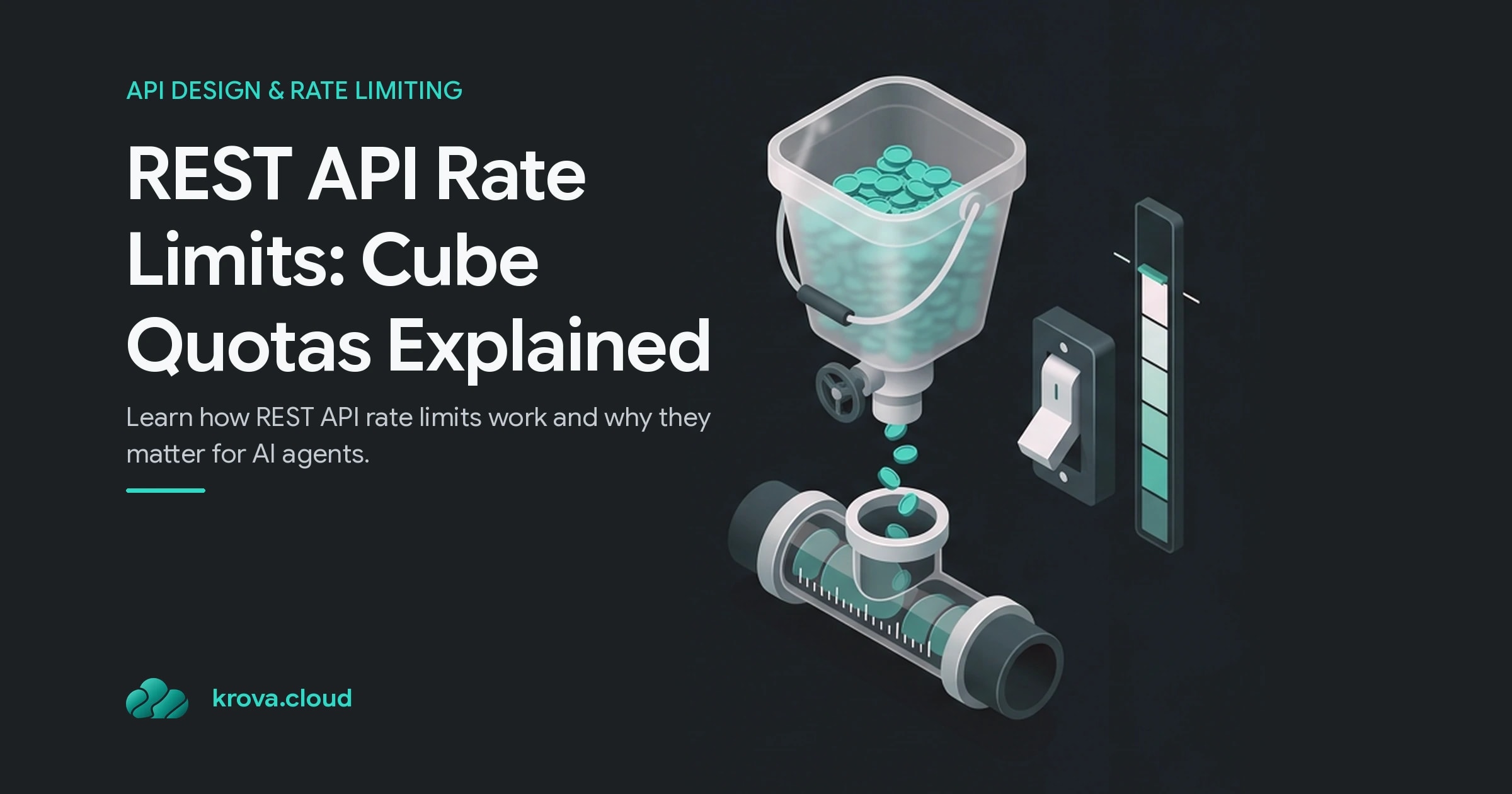
An AI agent stuck in a retry loop doesn't trigger your rate limit. It just keeps going, request after request, while you sleep. Every call burns tokens, drains your quota, and your bill explodes. That's the reality of REST API rate limits in 2026: traditional per-user caps were built for humans, not autonomous systems. Your infrastructure needs guardrails that work at the agent level, not just the account level.
TL;DR:
- REST API rate limits cap the number of requests (or tokens per minute) you can make to an API in a specified window; they return 429 "Too Many Requests" when breached.
- They protect infrastructure stability, ensure fair resource allocation, and prevent abuse, but they also expose gaps when AI agents retry, fan out, or loop.
- For sandboxed code and untrusted workloads, implement circuit breakers, token buckets, and concurrency limits at your gateway before traffic reaches the provider.
- AI agents require quota enforcement beyond simple per-user rate limiting; Google Gemini uses RPM/TPM metrics, OpenAI uses RPM/TPD/TPM/RPD, and MCP servers hit 429s by design to control cascading agent calls.
What Are REST API Rate Limits?
Rate limits are caps on the frequency of requests your client can send to a server within a defined interval. Most APIs enforce them using identifiers like API keys or IP addresses, returning a 429 "Too Many Requests" status code when you exceed the threshold.
The metrics behind REST API rate limits vary by provider. OpenAI measures requests per minute (RPM), tokens per minute (TPM), requests per day (RPD), and tokens per day (TPD). Google's Gemini API tracks similar dimensions. Some APIs track concurrent connections instead of request volume, while others combine multiple metrics; you hit the limit whichever boundary you cross first.
The core function is simple: prevent any single client from consuming so much capacity that other users suffer. A malicious actor or a runaway loop could flood the API and degrade service for everyone. Rate limits also help providers manage infrastructure load and protect their business model.
Why Rate Limiting Matters for Your Infrastructure
Rate limiting isn't optional infrastructure plumbing. 85% of APIs operate without rate limiting, leaving organizations exposed to DDoS attacks, credential stuffing, and resource exhaustion. For teams running AI agents, ephemeral CI/CD environments, or untrusted code in sandboxes, the risk is sharper still.
The issue isn't deliberate attack. It's logic errors and retry storms. An autonomous agent can initiate hundreds or thousands of internal and external API calls from a single prompt, to LLMs, vector databases, third-party services, and internal microservices — blowing past REST API rate limits without anyone intending it. If that agent hits an error and retries without backoff, or if a recursive function never reaches a base case, you're looking at a cost explosion in minutes.
Consider this scenario: an agent receives a prompt and makes 50 concurrent requests to an LLM endpoint. A transient 500 error occurs. The agent retries each one immediately. Without a circuit breaker or exponential backoff at your gateway, that agent has now made 100 requests in seconds. If this happens across five agents in your sandbox environment, you've burned through your monthly quota — and tripped every one of your REST API rate limits — before you notice.
Request throttling, the dynamic adjustment of request rate based on current load, can prevent this. Unlike fixed rate limits, throttling adapts to capacity and can gracefully degrade rather than fail hard.
How REST API Rate Limits Work
Most APIs implement one of three rate-limiting patterns:
Fixed-window rate limiting sets a hard cap over a time period (e.g., 1,000 requests per hour). The window resets at the hour boundary. This is simple but can create uneven load: clients can burst at the end of a window and immediately burst again at the start of the next one.
Concurrent rate limiting caps the number of simultaneous requests from a single client. It prevents parallelism from overwhelming the backend, especially in web servers handling CPU-bound work.
Token-bucket rate limiting is more sophisticated. You start with a "bucket" of tokens; each request costs one token. Tokens refill at a fixed rate (e.g., 100 per second). If you run out of tokens, your request waits or is rejected. This smooths bursty traffic and is what most modern APIs use.
When you exceed a rate limit, the API returns a 429 status code along with headers telling you when to retry (the Retry-After header). A 429 is not a crash; it's the gateway enforcing REST API rate limits and telling you to back off. The agent obeys the backoff, the circuit breaker holds, and your budget survives the day.
For AI agents specifically, the challenge is that a single user prompt can trigger cascading downstream calls. Model Context Protocol (MCP) servers hit 429s by the third or fourth Claude turn if not carefully designed. The agent doesn't know it's consuming quota across multiple providers simultaneously. REST API rate limits become the only speed bump.
Rate Limiting Strategies for AI Agents
Traditional per-user rate limiting fails for agents because an agent isn't a user. It doesn't click a button once per minute. It spawns parallel tasks, retries on error, and keeps running while you're asleep.
Implement these controls at your gateway, before traffic reaches a third-party API:
Circuit breakers stop sending requests if a downstream service is failing or rate-limited. Once a threshold of 429s or 5xx errors is hit, the circuit "opens" and rejects requests locally for a time window instead of forwarding them. This prevents your agent from hammering a throttled API.
Token buckets for the agent itself, not just the user. Allocate a fixed token budget per agent per hour; each API call costs tokens. When an agent runs out, it waits or degrades gracefully. This caps runaway costs.
Concurrency limits restrict how many parallel calls an agent can make simultaneously. Instead of letting an agent spawn 100 concurrent tasks, allow no more than 5. This reduces load spikes and makes quota consumption predictable.
Exponential backoff with jitter on retry. When an agent hits a 429, wait 1 second, then 2 seconds, then 4 seconds, then 8 seconds before retrying, plus random jitter to prevent thundering herd. Never retry immediately.
Budget enforcement is the guardrail that prevents cost explosions. Set a hard spending cap per agent or per CI/CD run. When that limit is reached, the agent stops making API calls, even if it hasn't finished its work. This converts a financial disaster into a failed job that you can investigate.
If you're running sandboxed environments, these controls belong at the edge of your infrastructure, in your ingress proxy or API gateway, not inside the agent code itself. The agent cannot be trusted to rate-limit itself.
Implementing Rate Limits in Your Own APIs
If you're building an API that accepts untrusted workloads (agent sandboxes, CI/CD pipelines, user-submitted code), rate limiting is not optional. Start with basic per-IP REST API rate limits on all public endpoints. Use a fixed window (requests per minute) or token bucket (simpler to reason about). Reject with a 429 and a Retry-After header so clients know when to retry.
Layer in concurrency limits for endpoints that spawn internal work. If your endpoint kicks off a background job, limit how many concurrent jobs a single client can have running. This prevents a client from exhausting your worker pool.
For APIs serving AI agents, expose quota headers in every response: X-RateLimit-Limit, X-RateLimit-Remaining, and X-RateLimit-Reset. Agents and their orchestrators can read these headers to self-regulate before hitting the hard cap.
Finally, monitor your own rate limit hits. A sudden spike in 429s from a normally quiet client might signal a bug in their agent's retry logic, worth a heads-up call.
FAQ
What Does a 429 Error Mean?
A 429 "Too Many Requests" response means you've exceeded the API's rate limit for your identifier (usually API key or IP address). Check the Retry-After header to see when you can try again, and implement exponential backoff in your retry logic.
How Do I Avoid Hitting Rate Limits with AI Agents?
Implement circuit breakers and token buckets at your gateway to throttle outbound requests. Set per-agent or per-run budget caps so runaway loops can't burn through quota. Monitor concurrent calls and use exponential backoff on retries. These controls belong outside the agent code.
What's the Difference Between Rate Limiting and Throttling?
Rate limiting sets a hard cap and rejects requests that exceed it with a 429. Throttling dynamically adjusts the flow of requests based on current load, allowing graceful degradation rather than hard failures. Both are useful; throttling is more sophisticated but harder to reason about.
Can I Request a Higher Rate Limit from an API Provider?
Yes. Most providers increase limits as you grow. Public APIs like OpenAI and Google typically increase higher limits automatically as you consume more quota and demonstrate responsible usage patterns.
Test Rate Limits on a Real microVM
Spin up a Firecracker microVM on Krova in seconds and replay burst traffic against your API to see exactly when quota headers kick in.