NGINX 1.31.10: Two TLS Paths to Check Before Upgrading
NGINX 1.30.8 and 1.31.10 fix TLS-related CPU issues. Separate early-data exposure from HTTPS backend use, then verify the patched build and serving processes.
 RB
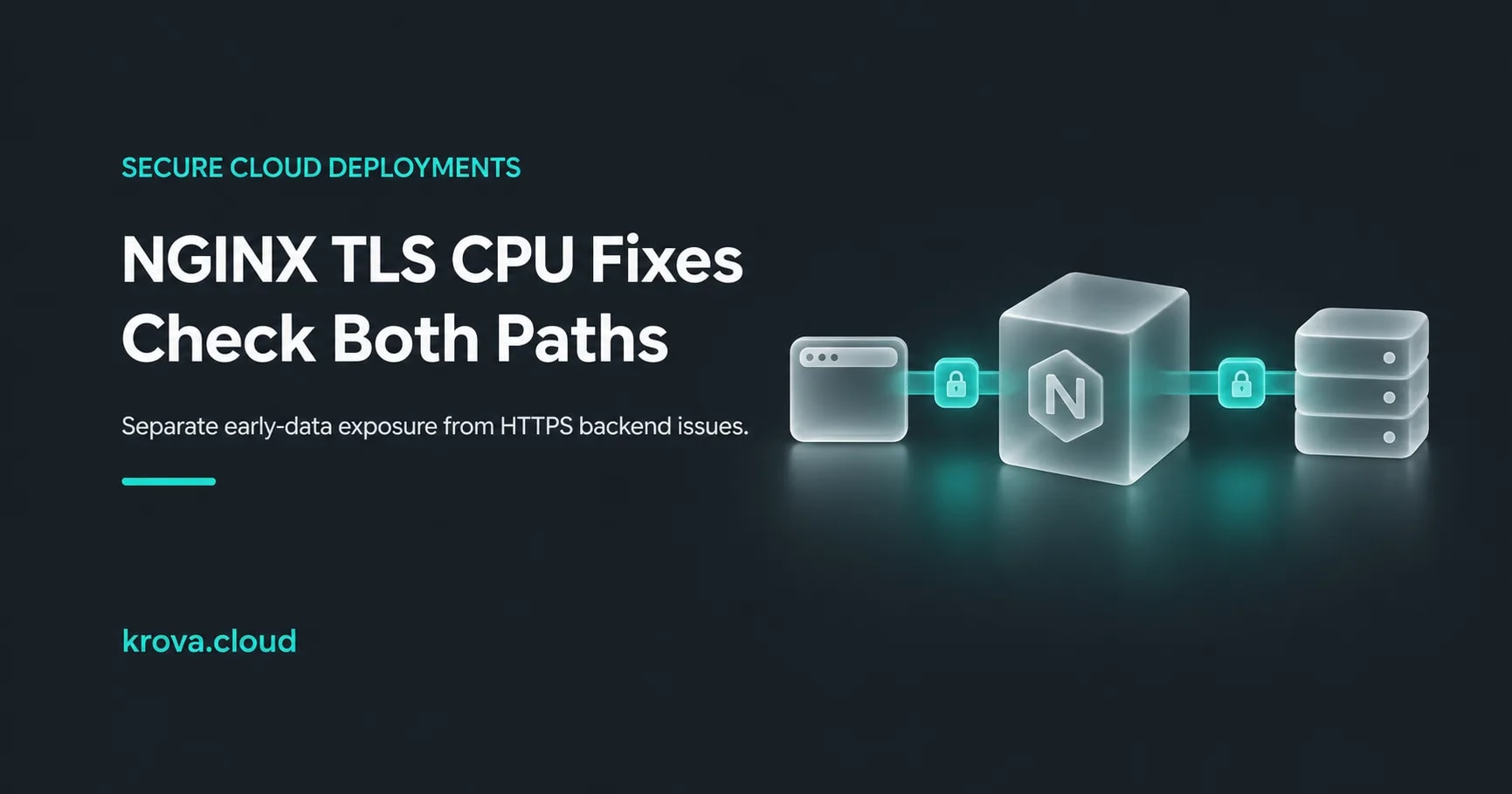
Suppose an NGINX worker starts consuming more CPU on your self-managed server. The application still answers some requests, and the public site uses HTTPS. It's tempting to treat those observations as one problem. The NGINX releases published on 23 November 2026 give you a more useful split: inspect the TLS connection coming into the proxy and the TLS connection going out to the backend separately.
First action: if your NGINX configuration enables ssl_early_data on, check F5's CVE-2026-132779 advisory and arrange a fixed build. F5 lists disabling early data with ssl_early_data off as a mitigation. Test and deploy that configuration through your normal change process; it does not replace the upgrade.
NGINX's announcement identifies 1.30.8 stable and 1.31.10 mainline, released on 23 November, as fixes for the early-data CPU vulnerability. Both mainline and stable changelogs also list a separate CPU-hogging bug when SSL connections to backends are used. A CPU graph alone doesn't tell you which issue, if either, explains your workload.
Keep listener and backend evidence separate
At the front, a client connects to the NGINX listener. The SSL module reference says ssl_early_data controls TLS 1.3 early data and defaults to off. HTTPS being enabled is therefore not sufficient evidence that early data is enabled. Read the applicable configuration, including the default server: the documentation notes that its value can be used during virtual-server selection.
At the back, NGINX connects to another service. For an HTTP proxy, inspect the selected proxy_pass destination and any variables that determine its scheme. A public HTTPS URL doesn't prove that this second connection also uses TLS. Conversely, early data being off at the listener doesn't tell you that the backend connection uses plain HTTP.
| Configuration evidence | What to investigate |
|---|---|
| Early data enabled on an affected build | The early-data advisory, fixed build and documented mitigation |
| Early data off, but SSL connections to backends used | The separate backend CPU bug listed in the release notes |
| Both features present | Track both checks; one configuration change doesn't establish both are resolved |
| Neither feature identified | Continue the CPU investigation; don't diagnose these issues from the symptom alone |
This table is a triage aid, not proof of exploitability or a complete applicability test for the backend bug. The short changelog entry does not publish its full trigger conditions or affected-version range. Don't invent those details, or assign the early-data CVE to the backend bug.
Record the executable and configuration you actually use
Run these inspection commands in the environment where NGINX runs. If it is containerized, a host-shell binary can be unrelated to the serving container. If the service uses a custom executable, prefix or configuration file, use those same paths and launch options.
nginx -v
nginx -V
nginx -t

# Inspect configuration privately; this dumps its contents.
nginx -T
The command-line reference documents the distinction: -v reports the invoked binary's version, -V includes build parameters, -t tests configuration, and -T also dumps configuration files. Keep that dump private because it can contain sensitive configuration. These commands inspect the binary and files you invoke; they don't prove that an existing master process has loaded that executable or those files.
For each serving instance, keep a small record: executable or container image identity, configuration location and launch options, early-data setting, backend TLS use, package provider, proposed fixed build, and deployment method. Include replicas and standby instances that can receive traffic later. A changed package on one machine doesn't settle the state of the others.
Choose the fixed build through your provider
The upstream security list marks CVE-2026-132779 as medium severity, lists 1.21.4–1.31.9 as vulnerable, and names 1.30.8+ and 1.31.10+ as not vulnerable. Use the appropriate supported branch; don't switch stable installations to mainline merely to obtain the larger-looking number.
If a distribution or appliance supplies your build, check its own advisory and exact package revision. A backported fix needs provider evidence; an older-looking upstream version string alone doesn't settle its patch state. For NGINX Plus or another packaged NGINX product, use the product-specific rows in F5's advisory rather than borrowing the Open Source version numbers.
For the hypothetical server, the decision might be to mitigate early data while preparing the provider's patched package. Keep HTTPS, certificate verification and your existing access controls intact. Disabling all TLS or exposing a backend port would change the deployment's protection without establishing that the underlying software was fixed.
Finish the upgrade at the process boundary
Replacing a file and reloading configuration are different operations. NGINX's process-control documentation describes configuration reload and executable upgrade separately. Follow your package or container deployment procedure to replace the serving processes, plan for connection handling, and verify which executable or image the new processes use. Don't count a successful nginx -s reload as evidence of a binary upgrade.
After deployment, exercise an ordinary read-only route through the public endpoint and the relevant backend path. Compare errors, latency and worker CPU with a recorded baseline under comparable traffic. A quiet graph is useful operational evidence, but it doesn't prove a particular vulnerability was absent or fixed. Avoid reproducing a CPU-exhaustion condition on production to demonstrate the patch.
If a route fails after the change, Krova's NGINX 502 hop-by-hop guide can help separate the public ingress, local proxy and application. Keep that routing check separate from the patch inventory.
Start with one serving instance's record, then account for every instance that can take traffic. The useful completion condition is specific: the relevant configuration is understood, the fix is supported by upstream or provider evidence, the intended processes are serving, and the application path still works.
Rehearse your self-managed NGINX upgrade on Cube
Use a separate Linux Cube to check your proxy configuration, application route and deployment procedure. You manage the guest software and its updates.
Creation context: This AI-assisted article uses the linked primary documentation and an AI-generated conceptual cover. The server scenario is hypothetical. No customer incident, NGINX deployment, exploit reproduction or performance benchmark was tested for this article.