n8n Self-Hosting VPS: Plan the Webhook, State and Recovery First
Choose an n8n VPS around the public webhook path, persistent state and a recoverable credential key—not just the smallest server price.
 DM
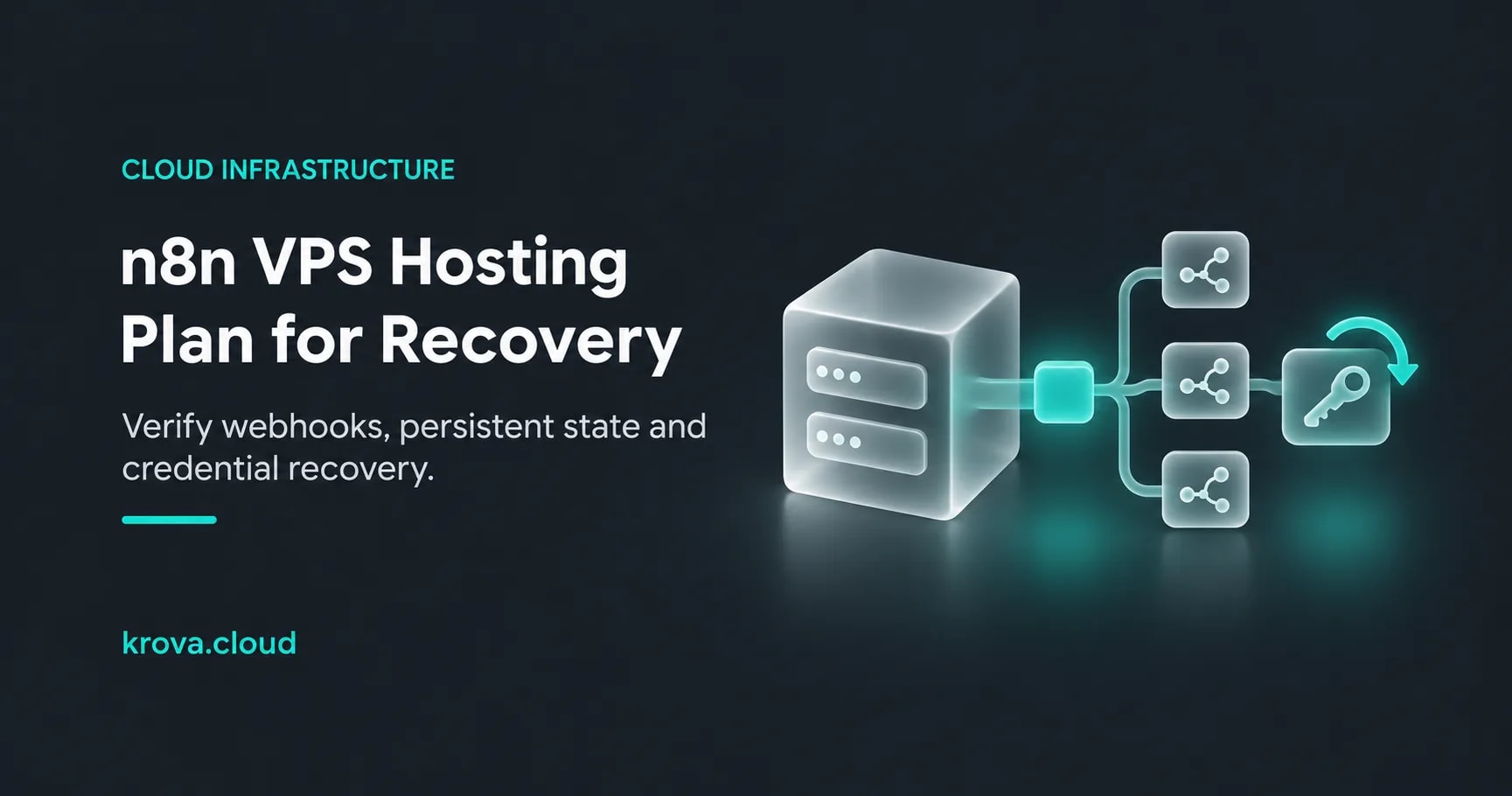
Imagine moving a small automation from your laptop to a VPS. The editor opens, the canvas looks familiar, and you’re ready to retire the laptop. Then the external service calls yesterday’s webhook address. This is a hypothetical deployment problem, but it explains the buying decision: choose VPS capacity for self-hosted n8n alongside a durable public URL, persistent application state and a recovery plan.
A server that starts n8n is only the first checkpoint. Before relying on it, prove that a real external request reaches the intended workflow and that a restored instance can use a disposable test credential. The checks below are a proposed rehearsal, not results from a deployment we tested.
Decide what you are taking responsibility for
A self-managed Cube gives you Linux administration access; you install and operate the application stack. Nest is a separate managed web-hosting product. Don’t assume a Nest plan includes a managed n8n service. A Cube is the relevant route when you want to administer Docker and n8n yourself.
Read the current n8n Docker Compose installation guide before sizing. Its documented setup includes an Assistant sandbox stack, asks for at least 4 GB RAM and 2 vCPUs, and labels that sandbox as development/testing rather than production. That is a requirement for that documented stack, not a universal benchmark for every n8n workload. Avoid copying privileged sandbox services into a production machine merely because they appear in a quickstart.
Give the webhook a public address deliberately
The editor being reachable does not establish that n8n advertises the right URL to another service. A reverse proxy can serve HTTPS on port 443 while n8n listens internally on 5678. Follow the current reverse-proxy webhook instructions: configure the public URL and the trusted proxy path for your deployment. The current documentation uses N8N_WEBHOOK_URL; it says the older WEBHOOK_URL is deprecated from n8n 2.35.0. Check your installed version before applying that change.
Write down the route: external service → public HTTPS hostname → ingress/reverse proxy → n8n. Record which component owns TLS, which forwards the original protocol and host, and how many trusted proxies are present. Don’t blindly copy a proxy-hop count from another network. Then register a disposable webhook and call it from outside the server. Verify the expected execution and its harmless result; an HTTP success alone is weaker evidence.
Keep the database and credential key recoverable together
n8n’s encryption-key documentation explains that it creates a key on first launch and uses it to encrypt stored credentials. Preserve that key securely with your recovery procedure. A database archive without the corresponding key can leave the restored workflows unable to use their saved credentials. For a new deployment, decide how the key is supplied and protected before adding production credentials.
Keep the version, Compose configuration, persistent application data, database and required secrets in the recovery inventory. Store protected copies away from the running machine. Avoid printing secret values into logs or committing them to a repository. A volume surviving a container restart is useful persistence; it does not establish that you can recover after losing the host.
Rehearse recovery without replaying production work
- Create a disposable workflow and test credential, with a harmless observable outcome.
- Record the installed image version and back up the state and required key using a consistent procedure appropriate to your database.
- Restore to an isolated rehearsal instance. Keep real schedules and production callbacks disabled.
- Check that the workflow loads and the test credential still works. Call a separate test webhook from outside.
- Record elapsed recovery time and missing steps. These are your measurements; do not substitute a provider’s snapshot claim for this application test.
Price the service you will actually keep running
Krova’s current pricing page distinguishes running compute from retained disk: powering off a Cube stops compute charges while disk remains billable. An automation waiting for callbacks still needs an available execution path. Turning it off between occasional manual sessions is a different service from accepting webhooks around the clock. Estimate runtime, retained storage, your backup arrangement and administration time separately; the smallest advertised server is not automatically the right n8n configuration.
Start with a rehearsal that proves one incoming event, one safe workflow outcome and one successful restore. Size from the documented stack you selected and your observed workload. That gives you a hosting decision grounded in what the automation must do, rather than a monthly number that looks impressive until the first missed callback.
If a callback fails upstream, use our NGINX 502 diagnostic guide to separate ingress, proxy and application failures before changing n8n settings.
Plan your self-managed n8n environment
Explore Cube for Linux hosting you administer, then check the current configuration price and rehearse your deployment before moving production workflows.
Creation context: this article was prepared with AI assistance using the linked documentation. The deployment and recovery procedure is guidance, not a claim of hands-on testing or human review.