GitHub Actions Deploy Queues: Keep the Pending Runs You Need
Find out why a waiting GitHub Actions deploy disappeared, when to use queue: max, and how to rehearse three releases against a shared target.
 DM
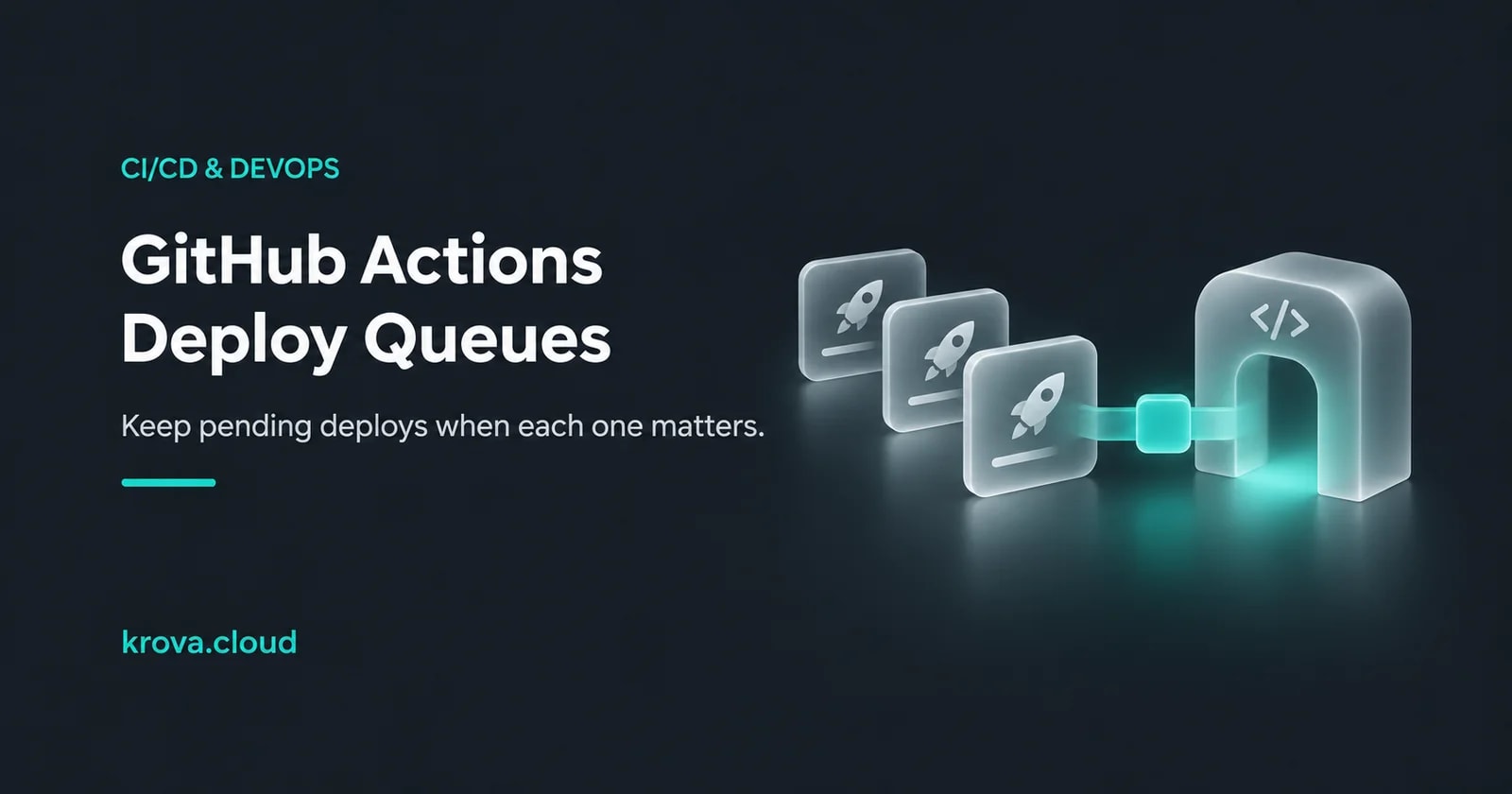
Suppose release A is deploying to your staging server. Release B arrives and waits. Then release C arrives, and B turns up as canceled even though nobody touched the workflow. If your GitHub Actions workflow uses a concurrency group with its default queue, that can be expected. The group holds one pending entry, and C can take B’s place while A keeps running.
Use the default single pending slot when the newest release can safely supersede a waiting one. When each waiting release needs its own turn, set queue: max and leave cancel-in-progress off. The GitHub concurrency guide documents both choices. Check what the deploy actually does before you change the setting.
Decide whether B can disappear
Imagine B and C are complete application images. If C includes B’s changes, and deploying B has no separate required side effect, skipping B may be fine. Now imagine each release carries a distinct operation. B registers a release-specific artifact, and C assumes it already exists. In that pipeline, skipping B changes the result. Write down one sentence about what C needs from B. If there’s a dependency, keep track of it explicitly, even if you retain both runs.
Group the work by the destination
Put the group on the job that changes staging if builds can run in parallel. Here’s a fragment for an existing deploy job. Add it under that job alongside its runner and steps.
concurrency:
  group: staging-release
  queue: max
  cancel-in-progress: false
Use the same group in the same repository for jobs that must take turns changing that target, and a separate group for an independent target. A group coordinates work in its repository. If another repository or a person with shell access can deploy to the same host, route those changes through a shared deploy controller or use a lock at the target. If you queue whole workflows instead, the lock also covers time spent in their other jobs.
Run a three-release rehearsal
Use a disposable target and three manual runs. Have the deploy step record the intended commit SHA or artifact digest on that target, and hold the first run briefly so the other two can reach the group. Under the default queue, check whether the earlier waiting entry is canceled once the newer entry joins. Under the larger queue, check that both wait and the deploy steps do not overlap. Compare the target’s recorded artifact with the workflow output. That catches a deploy script that resolves a moving branch or tag at execution time.
GitHub allows up to 100 pending entries with queue: max and cancels arrivals beyond the limit. It orders the queue by when entries start waiting on the group. A commit that finishes its build later can therefore enter after a newer commit. A canceled, failed or rolled-back deploy still needs an explicit recovery decision. If release C requires B to have succeeded, have the deploy check the currently applied version and stop if the prerequisite is missing. See the workflow syntax reference for the queue rules.
On a private repository, the Krova runner guide shows how to run the GitHub Actions worker on a Cube. Rehearse with a disposable target and the same group layout you intend to use in staging. The runner executes the job and GitHub Actions controls the group.
This guide was prepared with AI assistance using the linked documentation. The three-release scenario is hypothetical.
Rehearse a release on Krova Cube
Use a self-managed Linux Cube for a private runner or as a disposable deployment target.