Dokploy 0.31.0 Service Transfer: What Moves and What to Verify
Dokploy can move a service and its storage between servers. Plan the downtime, verify the destination, and keep a recovery path before switching traffic.
 RB
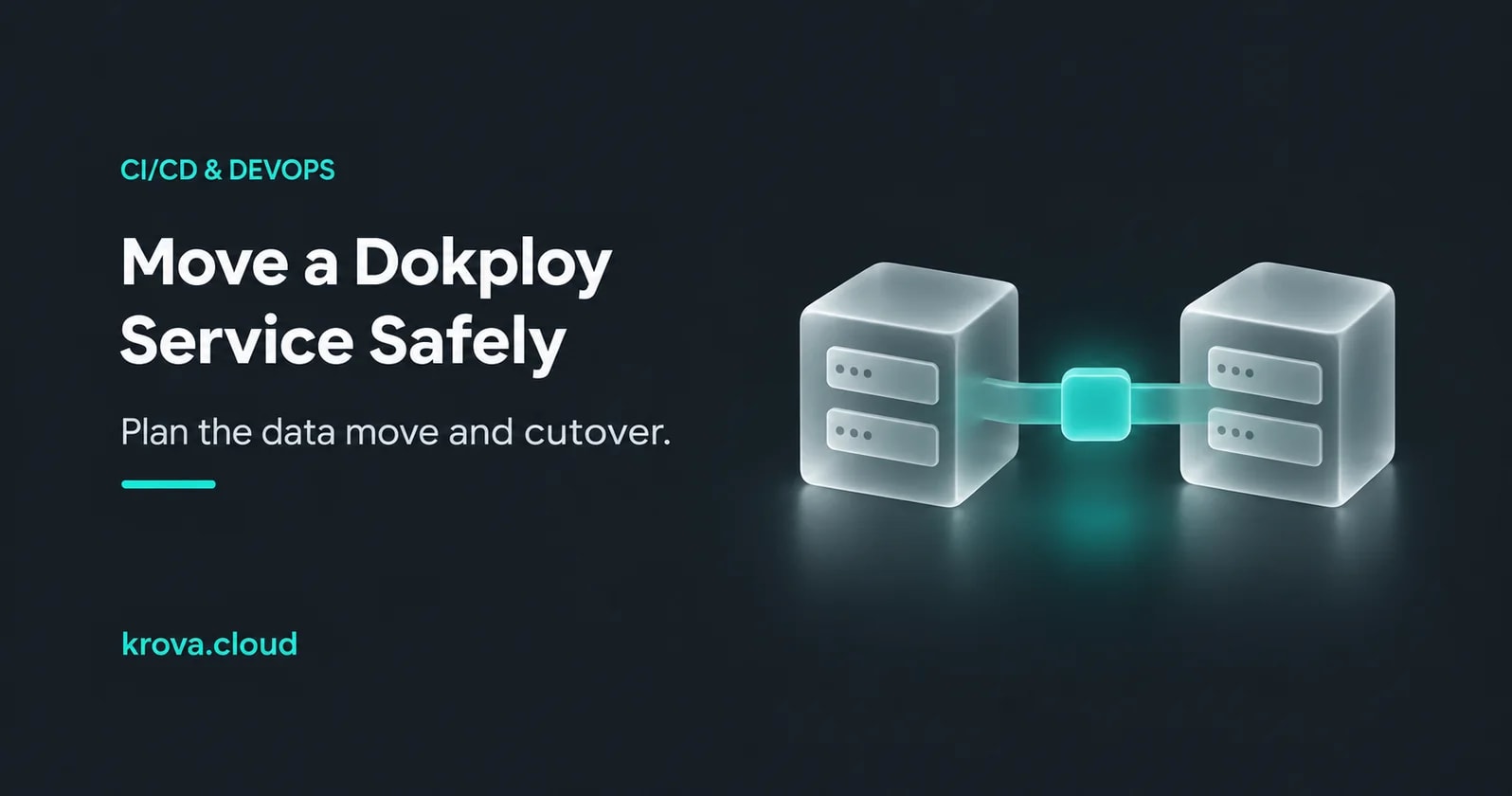
Imagine you’ve outgrown the server that runs both your Dokploy panel and a small app. You want to move the app to a second server, but it stores uploaded files in a volume. A successful deploy would tell you the new container started. You still need to know whether it can read yesterday’s uploads and where tomorrow’s uploads will go.
Dokploy 0.31.0, released on 5 November 2026, adds a Transfer action for moving services between servers. Plan it as a maintenance operation. The upstream implementation describes stopping the source, moving storage and configuration, cleaning up the old service, and deploying on the target. Prove that you can recover the data and reach the destination before moving production traffic. Dokploy release notes · Upstream transfer implementation notes
What moves with the service
The implementation notes say that Transfer supports applications, Compose services and databases. It streams named-volume contents and bind-mount paths through the panel and recreates application file mounts and routing configuration on the target. The target uses the normal deploy path to pull or rebuild images. Source-specific network associations can be dropped, and custom certificates are server-specific. If your public record points to the old server, it stays there until you change it.
Walk the app’s dependencies before you move it. A named volume using Docker’s local driver lives on its Docker host. An external database, object bucket or another service has its own location and access rules. Moving the app won’t move a separately hosted dependency. Check whether the new server can reach it and whether its firewall, network or credentials need a planned change. Docker volume storage · Dokploy’s transfer notes
Do a small rehearsal before you set the maintenance window
- Reach the target from Dokploy. Add the remote server using Dokploy’s instructions, verify the intended SSH endpoint, and test the panel’s connection. A shell open on your laptop does not establish that the panel can reach the same endpoint. Keep management access restricted to the approved source and avoid exposing database ports for the move.
- Protect the app data separately. Record which volumes and bind mounts contain durable data and where the database runs. Keep an independent, restorable backup. Dokploy’s panel backup documents the panel database and /etc/dokploy. Its volume-backup workflow supports named volumes and excludes bind mounts. Use a separate backup method for those paths and a database-appropriate method for database data.
- Move a disposable service first. Give a test app on the source a harmless file in persistent storage, then transfer it to the target with a nonproduction hostname. Check a real read and write there. Use an isolated fixture so the rehearsal cannot send real notifications or modify production data.
Use Dokploy’s remote server setup, panel backups and volume backups to check which paths each step covers.
Test the destination before you give it the only copy of new writes
For the real move, record the old route and agree on when writes will stop. Include scheduled jobs, workers and other writers that share the data. Leave removal of source volumes off for the first move, and keep the independent backup. The upstream notes describe automatic recovery for failures before source cleanup. They don’t establish that the original deployment will recover after cleanup, especially after the target accepts new writes.
Before reopening production writes, verify the new deployment through its intended ingress. For the upload app, retrieve a known existing file, use a restricted operator route to upload a harmless test file, then fetch it after a controlled redeploy if your maintenance window permits. Check domain routing and TLS separately, and look for a working database connection and expected background-job behavior. A target that serves the homepage but can’t retrieve an old upload hasn’t passed.
If the target fails after cleanup, use the recovery procedure you rehearsed. Retained source volumes may help, but you may still need to recreate the old service and routing. If the target already accepted live writes, reconcile or recover those writes before routing back. Flipping traffic alone doesn’t merge two copies of the data.
If the target is a Krova Cube, use the SSH endpoint and access controls you’ve configured for that server. Verify reachability from the panel. Check the app’s public route separately through Krova’s ingress using the Cube deployment guide. The transfer button doesn’t create Krova-side routing for you.
This guide was prepared with AI assistance using the linked sources. The upload app is hypothetical. The transfer behavior comes from upstream notes and was not reproduced for this article.
Rehearse a Dokploy transfer on a Cube
Use a self-managed Cube as a separate target and validate the move with disposable data first.