systemd Persistent Timers: One Catch-Up Is Not a Backfill
A persistent systemd timer can catch up after downtime without replaying every missed date. Decide what your worker must recover and verify the actual outputs.
 RB
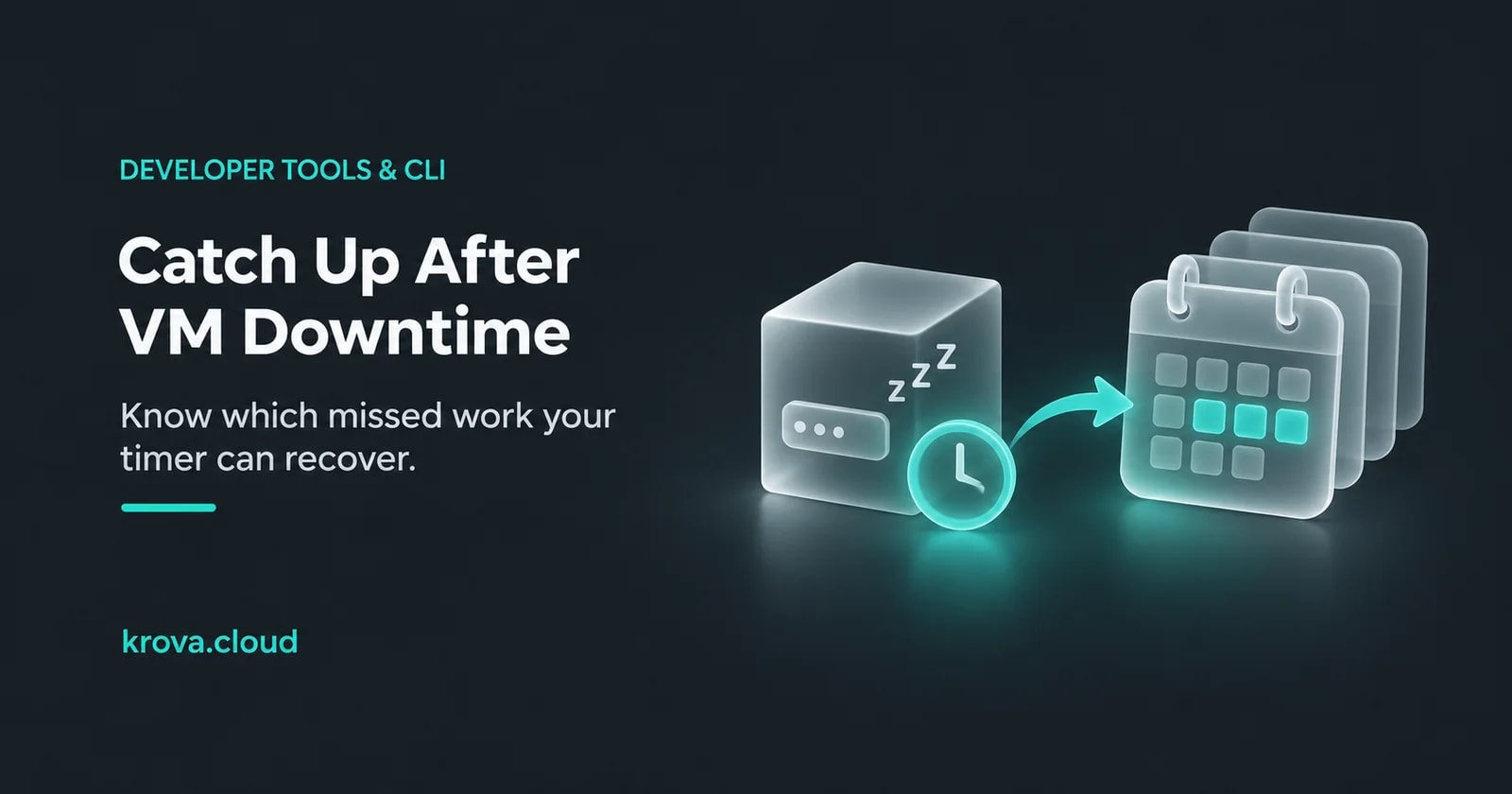
Suppose a small reporting VM runs an export every morning at 03:00 IST. You shut it down after Monday's successful export and start it again on Thursday at 10:00 IST. Tuesday, Wednesday and Thursday each have a missing report. Turning on a persistent timer sounds like the fix—but what, exactly, will it recover?
Persistent=true can cause one catch-up activation of a systemd calendar timer after inactivity. It does not create one job for every missed date. If the business needs three separate reports, the application must identify and recover those three periods. This scenario is hypothetical; no VM restart or timer test was run for this article.
First decide what “caught up” means
The right design depends on the output you owe, not just the number of times the clock passed 03:00. Here are three possible contracts for that same hypothetical VM.
| Required outcome | What the returning worker should do |
|---|---|
| Refresh today's dashboard from current data | Run one reconciliation and verify its freshness. |
| Produce a separate export for each missing business date | Enumerate missing dates, recover them, and record each successful output. |
| Run a check only at its scheduled moment | Record missed checks as missed; running now cannot observe the past. |
For the daily exports, write the requirement as “one verified output per business date in Asia/Kolkata.” A process start is only an attempt to produce that output. A file with Thursday's creation time may contain Tuesday's data, or it may be incomplete. Store and inspect the period covered by the result.
Give systemd a wake-up rule
The upstream systemd.timer manual says persistence stores the last trigger time on disk and checks for missed calendar elapses when the timer activates. It applies to OnCalendar, and catch-up remains subject to RandomizedDelaySec. Retain that state across the stop/start; a replacement VM without it is a different recovery situation.
Assume you already have a reviewed report-reconcile.service that discovers unfinished periods. This proposed timer activates that service daily. It does not supply the application or implement the recovery logic.
[Unit]
Description=Daily report reconciliation

[Timer]
OnCalendar=*-*-* 03:00:00 Asia/Kolkata
Persistent=true

[Install]
WantedBy=timers.target
Save the timer under the matching name report-reconcile.timer. systemd.time documents calendar expressions and named timezones. Check the installed version and local manuals, then inspect how that machine parses the expression before enabling it. Calendar time is a target, not an exact-start guarantee; timer accuracy and dependencies can delay activation.
systemctl --version
systemd-analyze calendar '*-*-* 03:00:00 Asia/Kolkata'
The systemd-analyze documentation describes the calendar inspection command. Review its normalized expression and next elapse. Syntax inspection does not prove the service will finish its work.
If the target service is already active, a timer elapse leaves it running rather than starting another instance. Check that boundary when the worker lasts longer than its interval.
For a finite worker, systemd.service describes Type=oneshot and the effect of RemainAfterExit=yes, which retains the active state after a successful exit. That retained state is usually unsuitable for a recurring export. Choose the service type for the real program.
Keep completed work somewhere more specific than the timer
For the hypothetical exporter, a useful application record would identify the report type, business date, state and output location. Give each intended output one stable identity. If the worker restarts, it can discover Tuesday's unfinished output without guessing from the most recent timer activation.
A proposed recovery loop is: enumerate dates due under the retention policy, claim unfinished work with concurrency control, generate the output, verify it, then durably record completion. Bound the amount of catch-up work per invocation so a long outage cannot create an uncontrolled recovery burst. Record failures and expose what remains unfinished.
The awkward case is a crash after an output is written but before completion is recorded. Make a repeat attempt detect or safely replace the same period's output. External notifications or other side effects need their own deduplication or reconciliation rule. A ledger is useful only when these transitions and uncertain outcomes have a recovery path.
Keep the timer's trigger history separate from application success. Persistence is a missed-activation feature, not your failed-export retry policy. Alert on overdue business dates and output freshness, alongside service failures. Three service starts and three complete daily reports are different measurements.
Rehearse the downtime, then inspect the output
Use a disposable VM and harmless test outputs. Shorten the calendar interval for the exercise, retain the same timer identity and persistent state, and keep the system clock correct. These are proposed checks, not reported results:
- Allow one normal activation, then stop the test VM across several scheduled elapses. After starting it again, observe the catch-up activation and inspect which business periods the application actually recovers.
- Leave the worker active across the next timer elapse. Verify the documented activation behavior and confirm unfinished periods remain discoverable.
- Make one output fail and simulate a crash after another output is written. Confirm failures remain visible and recovery does not create an unintended second business effect.
- Compare the timer's next activation, service logs and application completion records. Require the expected outputs before calling the recovery successful.
If the worker still uses an old command after a configuration edit, the systemd drop-in guide covers files, loaded units and running processes. If you plan to stop compute between batches, the Cube batch-job guide covers the separate cost and restart decision. A guest timer cannot start a powered-off VM; that start trigger must live elsewhere.
Before enabling a production timer, pick one real job and name its required outputs after downtime. If one reconciliation is enough, verify that result. If every missed period matters, implement and rehearse that period tracking first.
Rehearse the recovery on a Cube
Use a self-managed Linux Cube for a disposable worker and test outputs. You operate the timer, application state and recovery rules; compute alone does not guarantee completed jobs.
Creation context: AI-assisted guidance based on the linked primary documentation, checked on 15 November 2026. The reporting scenario, configuration and rehearsal are illustrative and were not executed. No personal testing by the bylined author is claimed. The cover is an AI-generated conceptual illustration.