Sparse Checkout vs Partial Clone for Remote Development
Sparse checkout selects workspace paths; partial clone defers Git objects. Choose the right combination and verify a real task before relying on a smaller remote workspace.
 RB
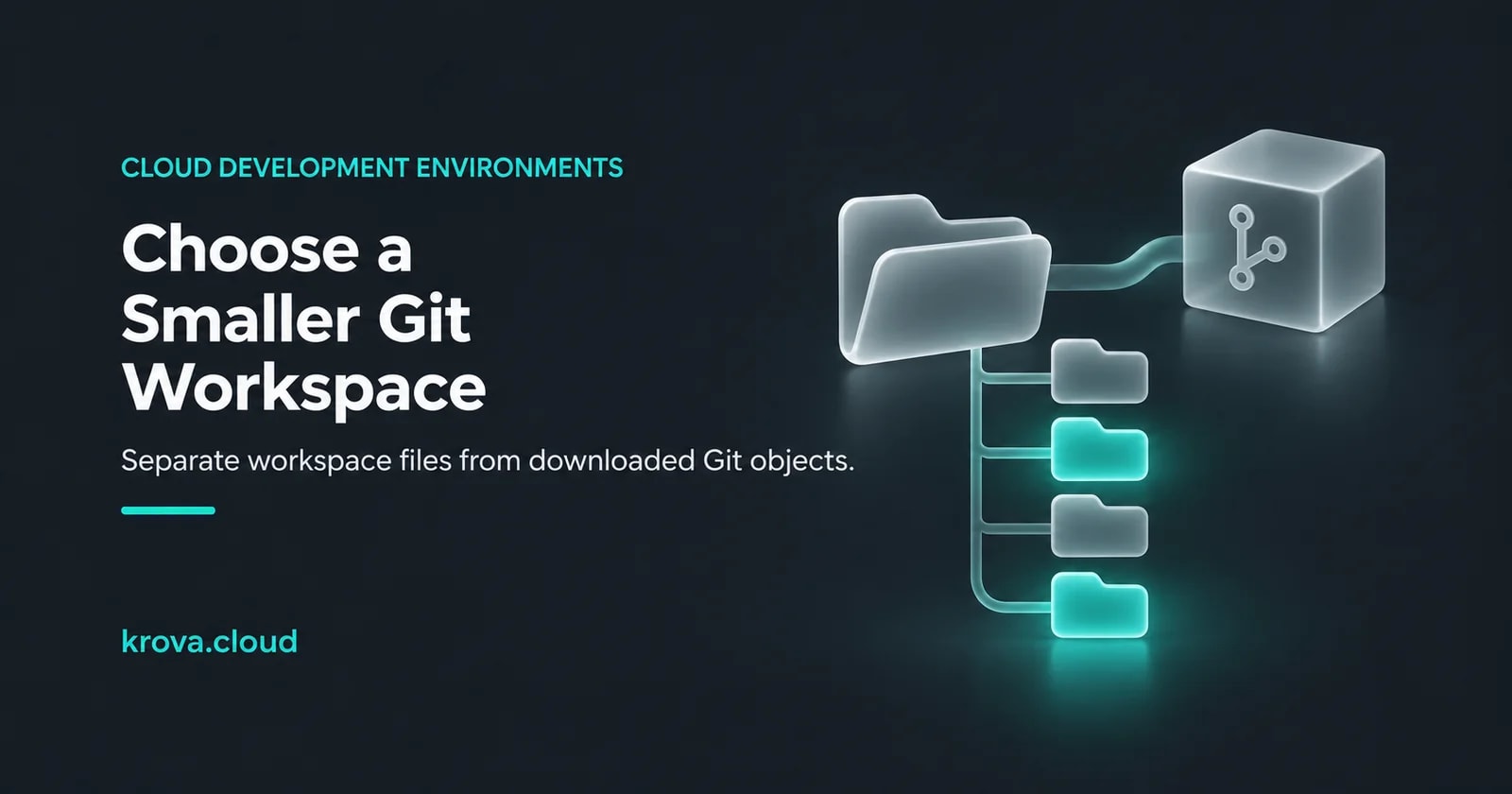
Imagine you’re opening a remote development workspace to fix one service in a large repository. You need the API and a shared library, but the checkout brings along several unrelated applications. Reducing that workspace sounds straightforward, until you realize that fewer visible files and fewer downloaded objects are different decisions.
Use sparse checkout to select the tracked paths in your working tree. Use partial clone to defer some Git object downloads. Combine them when you need both. Git’s sparse-checkout reference and clone reference describe these separate controls. Neither option is a promise that your particular build will start faster.
This is a hypothetical repository and an untested workflow for a new, disposable workspace. Use a trusted repository you’re authorized to access, an empty destination and a maintained Git version. GitHub’s 10 November 2026 maintenance announcement covers security fixes and patched release lines; sparse checkout is not a security boundary for untrusted source.
Choose what must be local
A working tree is the set of files you edit. Git also stores objects used for repository content and history. Your first question is which of those is causing trouble. Write the desired outcome before choosing a command:
| Your requirement | Control to investigate | Limit to keep in mind |
|---|---|---|
| See only the directories used by your task | Sparse checkout | Hiding paths does not itself filter the clone transfer. |
| Defer file-content objects until Git needs them | Partial clone with a blob filter | Later work may need the remote. |
| Limit the commits available locally | Shallow clone | This changes history availability, a separate decision. |
Git’s partial-clone design explicitly separates object filtering from shallow history. For a developer who needs history, don’t add a depth limit merely because it appears in a short-clone recipe. Decide whether the workflow needs older revisions, blame information or a particular merge base.
Start with a disposable checkout
For the imagined service, list the application directory and its shared source dependencies before cloning. The example names apps/api and packages/common are placeholders, not a claim about your repository. Replace the URL and paths with your actual, trusted source.
# Run each step only after the previous succeeds.
git --version
git clone --filter=blob:none --sparse YOUR_REPOSITORY_URL workspace-trial
cd workspace-trial
git sparse-checkout set --cone apps/api packages/common
git sparse-checkout list
The GitLab cloning guide documents combining the blob filter with sparse checkout. The Git clone manual says blob:none defers file contents until needed, while --sparse starts with top-level files. This requires a suitable client and remote; read warnings and check your hosting service’s support rather than assuming every server honored the request.
In cone mode, Git selects directories, including their contents, plus files immediately within their leading directories. Root files therefore remain visible. That is documented in the cone-mode rules, and it matters when a root lockfile or build configuration is still needed.
Now test the scope against the task. Where does the API get its generated client, schemas and shared configuration? Which path contains the test fixtures? A directory selection is not a dependency resolver. If a normal build needs another part of the repository, include it deliberately and record why. Don’t rewrite the application’s build just to make a smaller checkout look successful.
Keep this trial separate from your existing work. Before changing sparsity in a used checkout, preserve important tracked, untracked and ignored files. Git status, with --untracked-files=all --ignored, can show those paths, but displaying their names does not back them up. Generated files or a local database may matter even when Git does not track them.
This deserves care: Git’s cone-mode documentation notes that changing the selection can delete excluded tracked directories containing only ignored untracked files. A clean-looking status view is not a recovery plan.
Check the next operation, not only the first clone
Partial clone keeps a relationship with a remote that can supply omitted objects. Git’s design documentation describes fetching missing objects as they are needed. That means a later branch switch or inspection can still depend on network access and authentication. A completed clone alone doesn’t establish that tomorrow’s work will be available offline.
For the hypothetical workspace, choose a small readiness check: open the intended service, run its normal dependency and test commands, and perform one history operation your team actually uses. Use the repository’s documented commands rather than an invented universal build command. Record failures by cause: missing path, missing tool, unavailable remote or an application problem.
If offline use is a requirement, rehearse that exact workflow without remote access only after preparing the needed content. A pass covers the tested operations and revisions; it does not prove that every missing object or future branch is available. If the dependency on later fetches is unacceptable, a fuller local repository may be the better choice.
You can also inspect Git’s stored objects from inside the trial:
git count-objects -vHThe count-objects reference distinguishes loose-object space from packfile space. This report is not the working tree’s total size, and it is not a network-transfer meter. Compare the same repository revision and directory selection if you run separate trials; keep object storage, workspace footprint and elapsed task time as separate observations.
Keep the scope easy to explain
Save the repository identity, Git version, selected paths, clone options and readiness-check result with the workspace setup. If the selection changes, review the new dependency boundary. Restoring a full working tree with git sparse-checkout disable can require more files and downloads in a partial clone; it doesn’t mean all repository history is already local.
For a remote workspace on Krova Cube, make this choice on the machine that hosts the repository. The cloud development environment overview covers the broader setup; Git’s transfer and checkout choices are one part of it. Protect your source and local work independently of the VM’s lifetime.
Your next action is to name one real task and the paths it needs, then try the smallest scope that still completes it. Keep the trial if it makes the workflow easier to operate. Expand it when the evidence says the extra content is necessary.
Creation context: this AI-assisted guide uses the linked primary documentation. The repository scenario and workflow are hypothetical. No clone, build or performance benchmark was run for this article; the cover is a generated conceptual illustration.
Try your remote workspace on Cube
Explore a self-managed Linux microVM for a disposable development trial, and verify the repository scope your actual task needs.