Docker 29.10 Local Registry Pulls: Omitted and Empty Are Different
Docker 29.10 changes loopback registry behavior when insecure registries are explicitly configured. Compare omitted, populated and empty settings before upgrading CI.
 RB
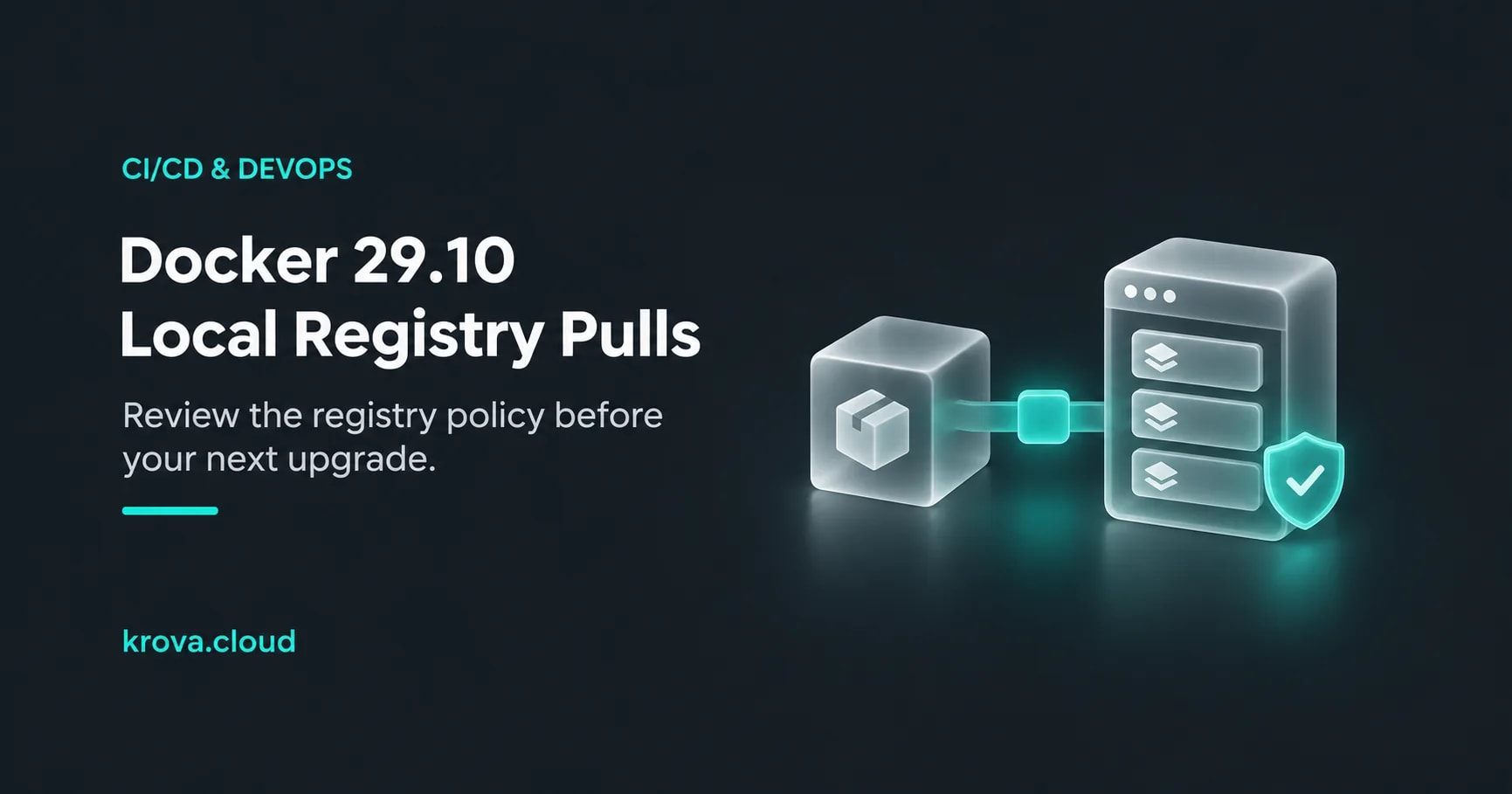
Imagine a self-hosted CI runner that keeps a small image registry on loopback. This is a hypothetical setup: a daemon upgrade finishes, the next job starts, and the image pull fails before the application gets a chance to run. Rebuilding the image is tempting. First, find out whether the daemon still accepts the registry's connection policy.
Docker Engine 29.10.0 changes the loopback exception when you explicitly configure insecure registries. An omitted setting and an empty list now have different meanings. Review that distinction before upgrading a runner that pulls from a local HTTP registry or one with an untrusted TLS certificate.
Docker's release notes date 29.10.0 to 16 November 2026. This guide focuses on native Linux Engine deployments you manage, including CI runners inside Krova Cube.
Read the three configuration states carefully
The release notes describe the following behavior in 29.10.0. Here, “insecure” includes plain HTTP or TLS whose certificate the daemon does not trust.
| Daemon configuration | Loopback behavior documented for 29.10.0 |
|---|---|
insecure-registries omitted, with no corresponding explicit flag | Default loopback exceptions remain. |
Explicit registry list or --insecure-registry | Loopback addresses are no longer automatically added as insecure registries. |
"insecure-registries": [] in daemon.json | All default insecure registries are disabled. |
An empty list can look like an unused template option. Preserve it if the intended policy rejects insecure registry connections; removing it would change that policy.
For an existing explicit list, compare the registry address used by the job with the addresses the policy actually permits. Don't assume a registry remains covered merely because it runs on the same machine.
Find the daemon that performs the pull
Before reading a configuration file on your laptop, establish which daemon the job uses. Run these read-only observations from the same job environment and with the same Docker invocation settings:
docker context show
docker version
docker info
docker context show reports the current context. Also inspect the job's --context, --host, DOCKER_CONTEXT and DOCKER_HOST selections: Docker contexts can target different daemons. A context name alone isn't a complete record of every endpoint override.
Read the Server section of docker version, not just docker --version, which identifies the CLI. Inspect the target daemon's registry information in docker info. Save the relevant version and policy evidence with the failed job, redacting unrelated host details before sharing it.
Now inspect that daemon's actual startup options and selected configuration file through your normal authorized administration path. dockerd documents both configuration-file selection and flag conflicts. Don't create a second copy of an option in JSON when the service already supplies it as a flag.
This also changes what “local” means in the investigation. If the CLI talks to a remote daemon, a loopback registry address refers to that daemon's network environment, not the computer where you typed the command. Record the daemon endpoint, registry hostname and port together.
Choose the intended trust policy
The preferred long-term path is a registry with correctly configured, trusted TLS. Docker's registry certificate guide describes installing the registry CA for the daemon and distinguishes CA files from client certificates. Use the documented trust location for your actual platform; native rootful Linux, rootless Engine and Docker Desktop do not share one universal directory.
Keep two TLS connections separate in your notes: CLI-to-daemon and daemon-to-registry. A secure connection to the remote Docker API does not, by itself, establish the registry certificate's trust. Fix the registry path rather than turning off verification on an unrelated connection.
The release notes also allow a narrowly specified local registry address in an existing insecure policy when that is the intentionally accepted design. Treat that as an explicit exception to review, not a reason to add a broad network range or remove a restrictive empty list. This article does not require an exception: use trusted TLS when your policy requires secure registries.
For the hypothetical runner, the decision record should be small: which registry must work, whether it requires TLS, which daemon owns that trust decision, and which endpoints must remain rejected. Apply any chosen change through your normal staging and change process. A proposed configuration is not proof that the running daemon loaded it.
Rehearse the registry operation, not just the build
Use a staging registry and disposable repository you control. Repeat the actual pull path from the job environment after the upgrade, with its intended authentication and registry address. If the workflow publishes images, separately test a push with a disposable tag and a cleanup plan. Pull success does not verify push permissions.
Also verify the boundary you intended to keep. If the daemon must reject untrusted registry connections, an unlisted test endpoint with an untrusted certificate should not become usable as a side effect of the repair. Use an environment you control, keep private credentials out of test output, and record the observed result rather than assuming the policy worked.
BuildKit, a remote builder or another runtime may have its own configuration. If the failure happens during a build rather than an Engine pull or push, identify that component before applying a daemon-level explanation. Krova's guide to choosing the right builder for cache cleanup covers that separate identity problem; deleting cache is not a registry trust repair.
Finish with one representative job that obtains its required image through the intended registry path. For this runner, the useful outcome is not merely a green job: it is a working registry operation with the original trust boundary still explained. Before the next upgrade, inventory the exact daemon, the registry address and whether that configuration key is absent, populated or deliberately empty.
Rehearse your CI image workflow on Cube
Use a self-managed Cube runner to validate your Docker Engine, registry trust and image lifecycle before moving the change into your production pipeline.
Creation context: this article and its conceptual cover were created with AI assistance using the linked primary documentation. The runner story is hypothetical. No Docker daemon, registry operation or customer workload was tested for this article.